⤴️-Paid Ad- Check advertising disclaimer here. Add your banner here.🔥


dex
-
Posts
259 -
Joined
-
Last visited
-
Days Won
4
Content Type
Profiles
Forums
Articles
Everything posted by dex
-
@apmoo @kimsam Thanks 🙏
-
@apmoo @kimsam Thanks 🙏
-
@apmoo @kimsam
-
Guys, the file (tacheonforce) is HID locked...meaning it has been altered. A clean/original copy of the file is needed for it to be educated. Please upload the original copy from the vendor if you have it.
-
@lilq Here is the correct working version
-
@kimsam @apmoo
-
Click the above links one by one. Click the copy button (top right). Save each as a new layout. Go to the new layout and click the gear icon on the indicator list to view the settings. @Boka @Bene
-
Are these Educated?
-
Not really....see the ScreenShot attached @Bene

-
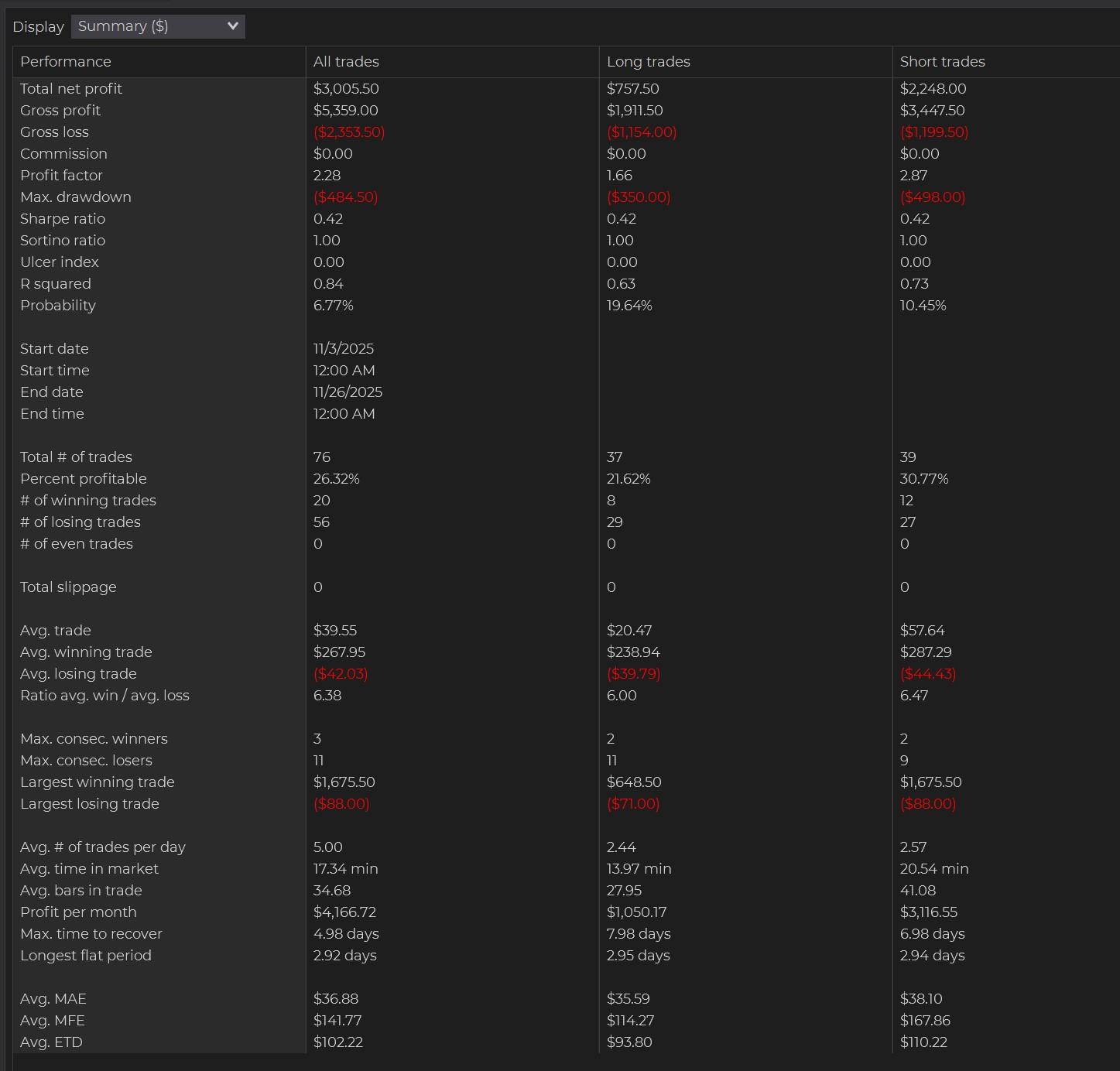
@Bene No Templates, just settings. Here they are: A little tinkering has produced a new, much more profitable version of the raptor: Meet "Velociraptor". 1. I run this with a strict profit target of $50 per MNQ. Running it uncapped has proven a bit of a gamble, and it not my style., 2. If there are 0945 news, I start it at 0950. If there are 0945 and 1000 news, I start at 1005. If there are only 1000 news, I'll run 0930-0955,1005-1200, as if often takes profitable trades in the first minutes after open., 3. This version does NOT use martingale. However, I'm on the fence, and I think letting it Martingale once will improve it overall. We're testing both versions., This has been forward tested for about 4 weeks at this stage and seems to work well. However, it's still highly experimental. Use at your own risk.
-
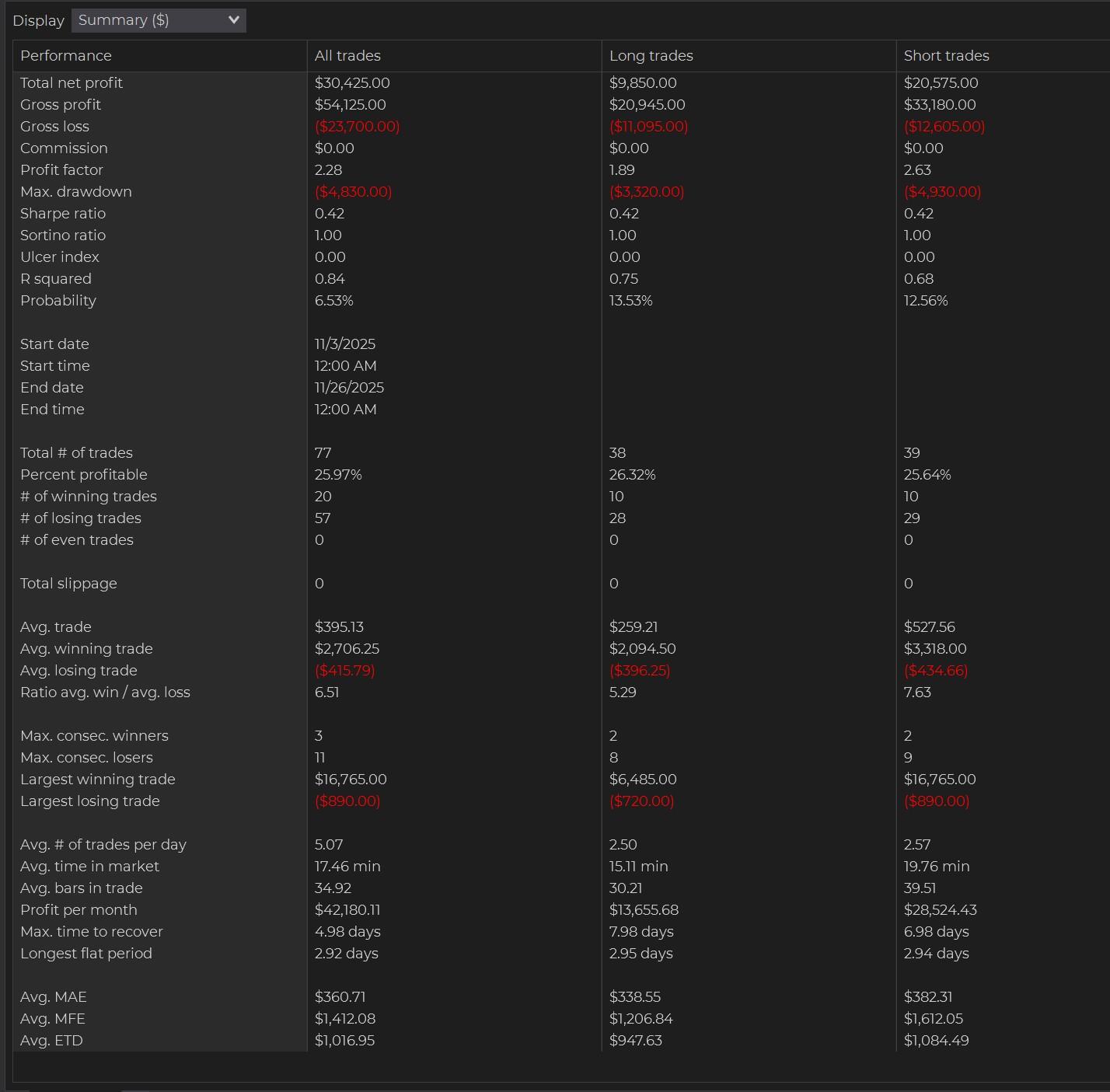
Guys, the trades on MNQ are going to be slightly different from the trades on NQ.
-
@MaxNguni Yes but only if you grasp trading (price action) and have received payouts. Dont use your hard earned money to pay for it, only use money you can lose to pay for it. Automation takes time and it is not set and forget.
-
Today on NQ 30 Seconds Chart
-
Which program is this? Can you provide their website? @Chidiroglou
-
@nkp9999 Check your DMs
-
Overnight/London session is not good.
-
Regular Candle Sticks
-
Please do add trailing. Thanks 🙏 @kimsam
-
Here ya go 5 MNQ CON Qzeus 85.71 win rate 3.16 Profit Factor - Aggressive.xml 1 MNQ CON Qzeus 81.62 win rate 2.12 Profit Factor - Aggressive London Session.xml
-
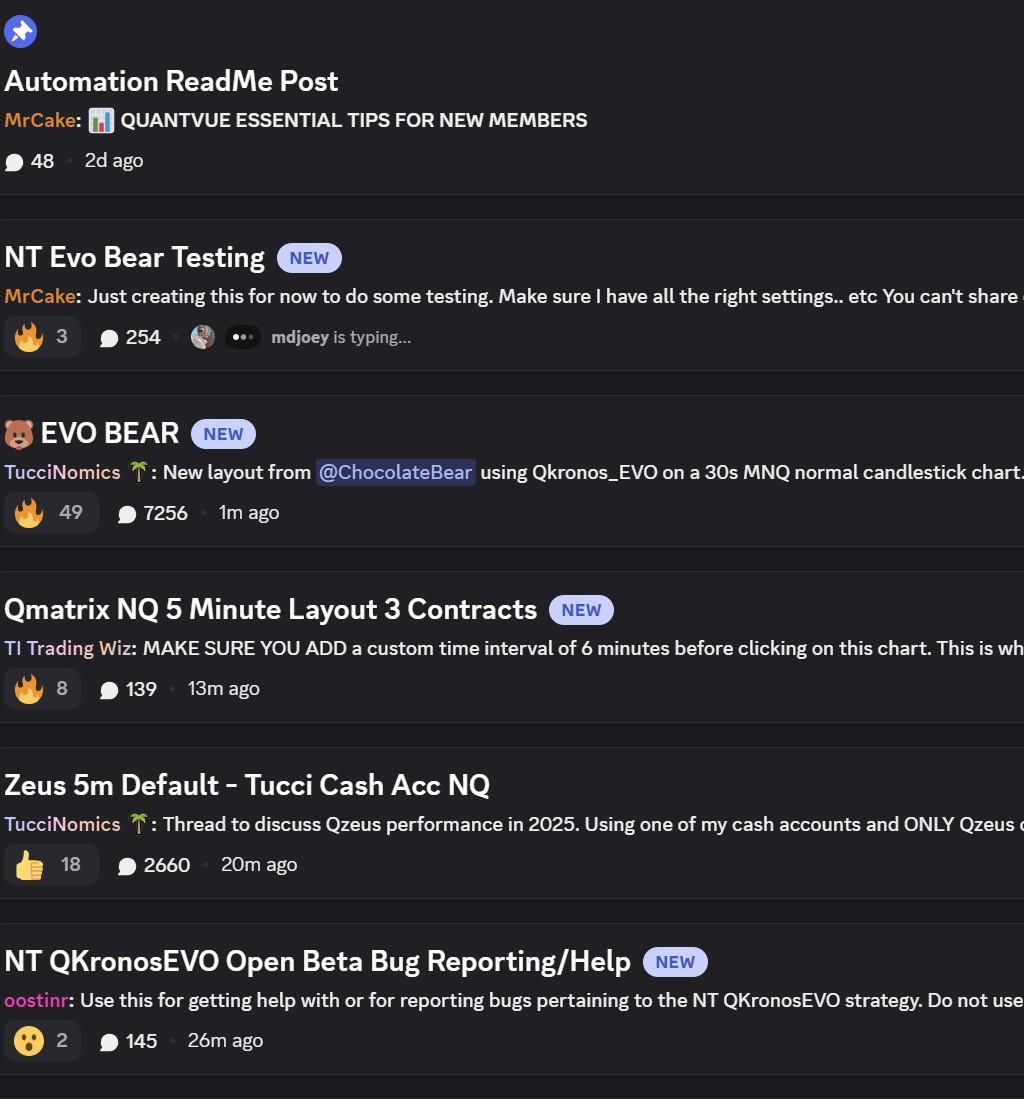
@Zack @AllIn Just went through all three threads, they are still testing/reporting bugs. The Evo_Bear_Trail file is what they are using as it was created by the main ATS guy.
-
@AllIn I am in ATS. What do you need?
-
What the version of your fixed ninja? @TheBeast1234
-
Which one of them are you referring to? @mmicro
-
@kimsam @apmoo Thanks 🙏