

⤴️-Paid Ad- Check advertising disclaimer here. Add your banner here.🔥
Leaderboard


Popular Content
Showing content with the highest reputation on 09/04/2025 in Posts
-

Timingsolution & Nifty Updates - 3
⭐ ajeet and 2 others reacted to ⭐ banker2882 for a topic
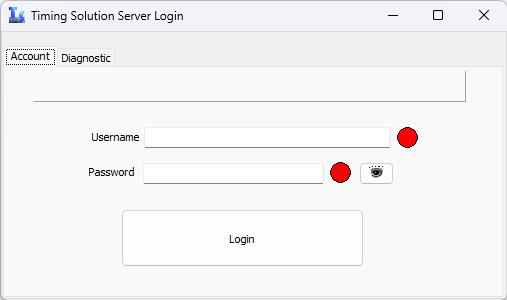
hxxps://www.upload.ee/files/18553305/TS_NNA_64_TI.rar.html Deleted TI and AI login windows *:Only in this forum, it is forbidden to spread to other forums3 points -
I am glad that someone is working on the program. Does it mean we can upload further updates when available? Problem being the patching is done on the TS_NN files and every new release might involve patching these files to make them work!2 points
-
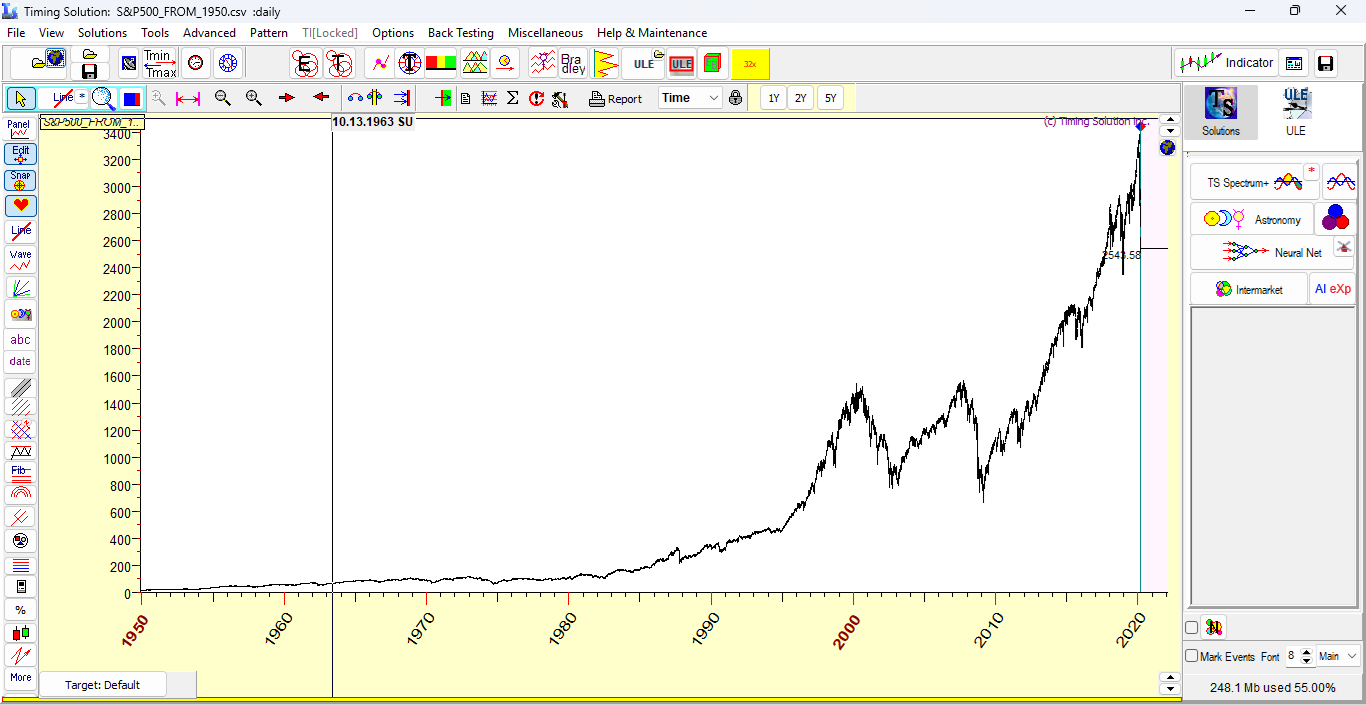
V2 thread wont be updated from now on. This thread, V3 will be used for new updates. As a new year gift, I am giving the new Versions of TSA and Terra, both latest versions. https://mega.nz/file/TQxTgCjI#JTABfTfxTQzCrG5ga73SiyJ_oGFnLl1hX395Muo5Ry8 - TSA 9 Jun 2024 https://mega.nz/file/LRYQgZ7S#xer35Fc5bnRtcjHXWGPhIz64cH0sZWv0KrsiJ8Grzmw - Terra 30 Dec 2024 Steps 1. First extract the contents from both archives to a folder 2. Run the TSA installer 1st. This is the base program, without which Terra wont run if you try to run it. 3. Copy the TSA.exe to the installed folder and run this program This will run the Timingsolution Advanced program. In the registration screen, enter any 16 digit number and press the Register button. Next time onwards, no need to register, program will run automatically 4, Next install the ts_upgrade_a_ti_p_1.exe. This will install the Terra part of the program. Copy the TI.exe to the installed folder and run it. This will work in Terra mode. Note: 1. I have checked the above as a fresh install and it worked for me. if it doesn't work, then there is some mistake on your part. Dont ask help without details. 2. TSA and TI exes are packed files and hence some AV programs may flag it. Happy New Year 2025 Wishes to all. Hope you all have a successful and profitable year ahead!1 point
-

Please welcome our newest Advertiser - NordFX!
⭐ RichardGere reacted to MrAdmin for a topic
Dear community members, NordFX is running a campaign for traders, and they advertise with Indo-Investasi. I encourage you to check their broker offer and decide if it's right for you. Here is the link to access it. Or click the banner(s) in the sidebar. 🙂1 point -

Timingsolution & Nifty Updates - 3
⭐ ajeet reacted to ⭐ RichardGere for a topic
Thank you. It works.1 point -
Announcement After trying for 3 days and getting information from others, looks like the online part cant be bypassed. The updates will be stopped from now on and better stick to the Jul 2025 version without internet checks. If there is a breakthrough, will inform here. This thread will stop updating the program but the discussion on using the software can continue with constructive ideas and findings. Good luck to all.1 point
-

Timingsolution & Nifty Updates - 3
Mahesh reacted to ⭐ Atomo12345 for a topic
For a full registration of all versions of Timingsolution go to:1 point -
Did a clean install myself and you are correct, cancelling the login screen doesn't enable the TI menu and the AI Expert module. Only the TSA menu appear as a whole. Lets hope one day this will be solved.
 1 point
 -
https://mega.nz/file/mBwC3QQJ#hiNiq5ec6zN4CJRAZjvst7VTYvMs-CEP8VjLi6BEQ_4 Terra 29 Aug 2025 upgrade. Earlier I had another version prior to the above and this version when opened, showed a login screen for me. I opened the default 64 bit version. I didn't try the 32 bit version. But when I clicked the Cancel button of the login form, it didn't activate the TI menu at all. But other TSA menus were shown. Today I wanted to test and when oopened the 32 bit module, it didnt show the login form, instead opened in Terra mode and TI menu was enabled. Tested all the 3 versions and login form didnt show up nor is TI hidden. Looks like some bug (?). Anyways, today i saw the latest update and checked in my computer. For others, the TI may or may not work, just try and let me know. Another surprise is the AI Expert from the solutions menu, that's also working, previously it was asking for login. Since I am not a user of the software, unable to comprehend the changes over the months.1 point