

⤴️-Paid Ad- Check advertising disclaimer here. Add your banner here.🔥


Ninja_On_The_Roof
-
Posts
1,085 -
Joined
-
Last visited
-
Days Won
62
Content Type
Profiles
Forums
Articles
Everything posted by Ninja_On_The_Roof
-
Hello, I am not sure if it does much much better than the one showing in this video and I do hope so. Look at where the entry was. Around 0400 something and then look at what happened around 0830. This isnt realistic in a trading scenario. Who would have the iron stomach to watch the trade suddenly dropped significantly...Not only that, way below the entry as well. Most, I reckon, would definitely exit this specific trade already at around 0830. For inexperienced and newbies, this exit would be in a panic mode. For disciplined traders, this would be something an experienced trader would do. I know I would, at least for a small loss but I think it would be the right thing to do so, regardless of the trade becoming a profitable one later. This is the true reality of trading. You just do not know if at 0830, price would continue to fall further and further and vice versa, you wouldn't know if price would then reverse course and go into green zone. Cant be trading on hopes, for sure. Just my humble 2 cents.🤗
-
 Most likely, you have left over Ninza stuff in your PC. Make sure to remove every trace of it. Using your NT8 removal of scripts under NT8 Tool tab and/or, go into your Document/Bin/Custom folder, to delete anything that has the name Ninza. You will be surprised to know that they are hidden everywhere, such as also, in Templates, Strategies and so on...but these are not that a concern. Just the ones in Custom folder that need to be deleted. Start fresh and follow the READ ME FIRST file. Do shut down NT8 and restart or Reload Scripts from NT8. Many times over, after you import something, you do not see it popping up under your NT8 Indicator tab. Yet, after shutting NT8 down and restarting it. You would then see it showing up. Thank you.
 -
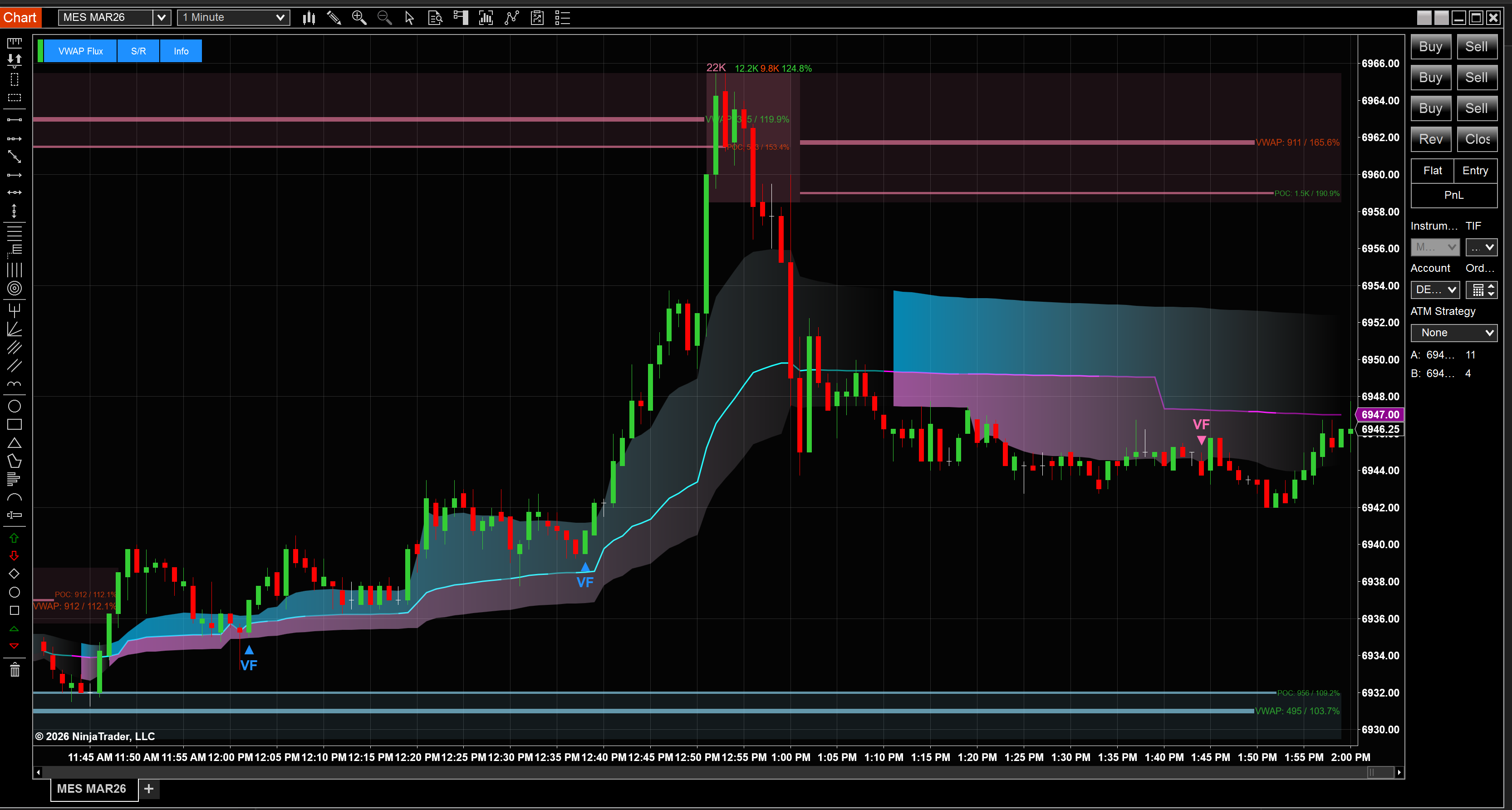
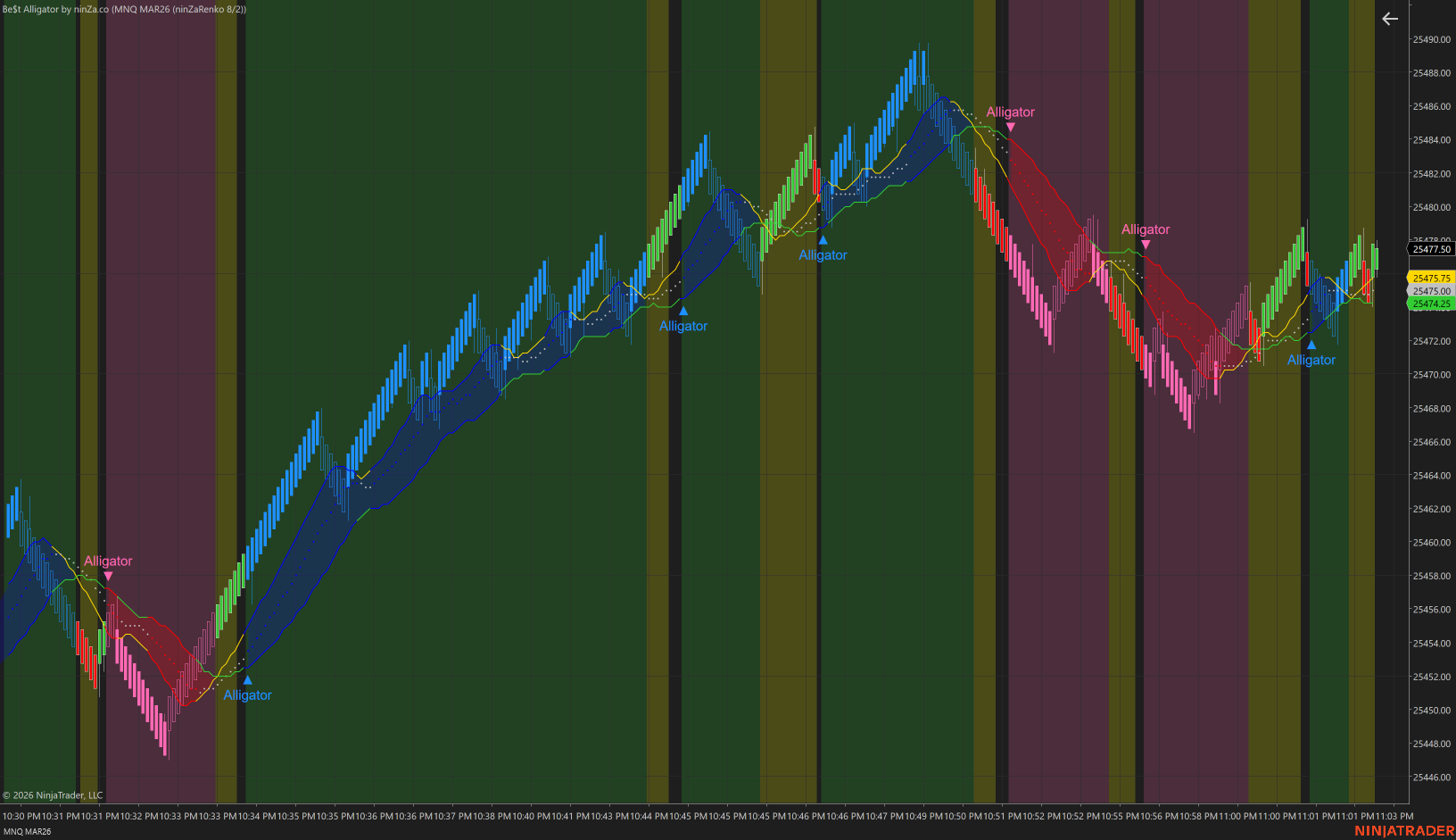
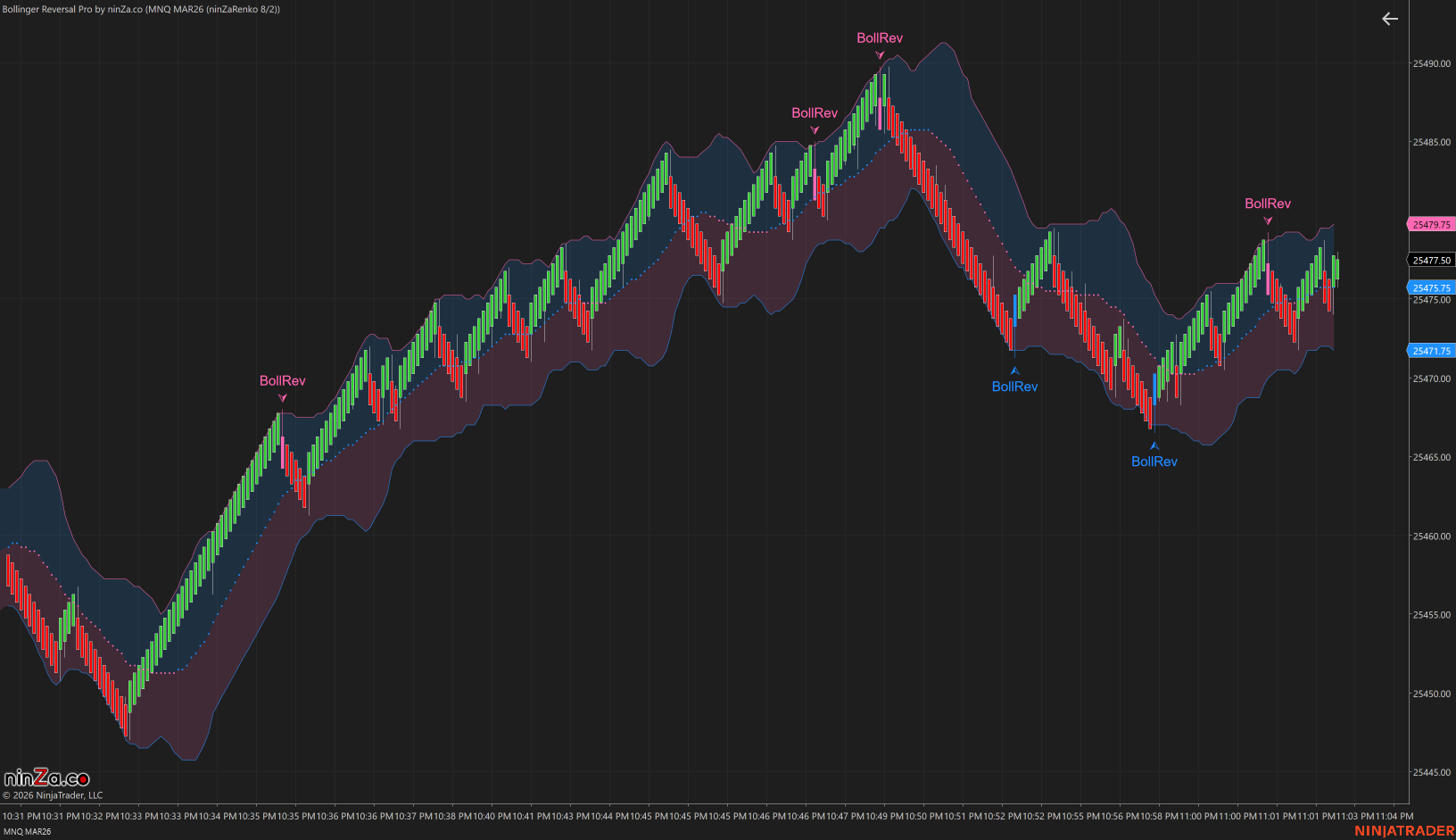
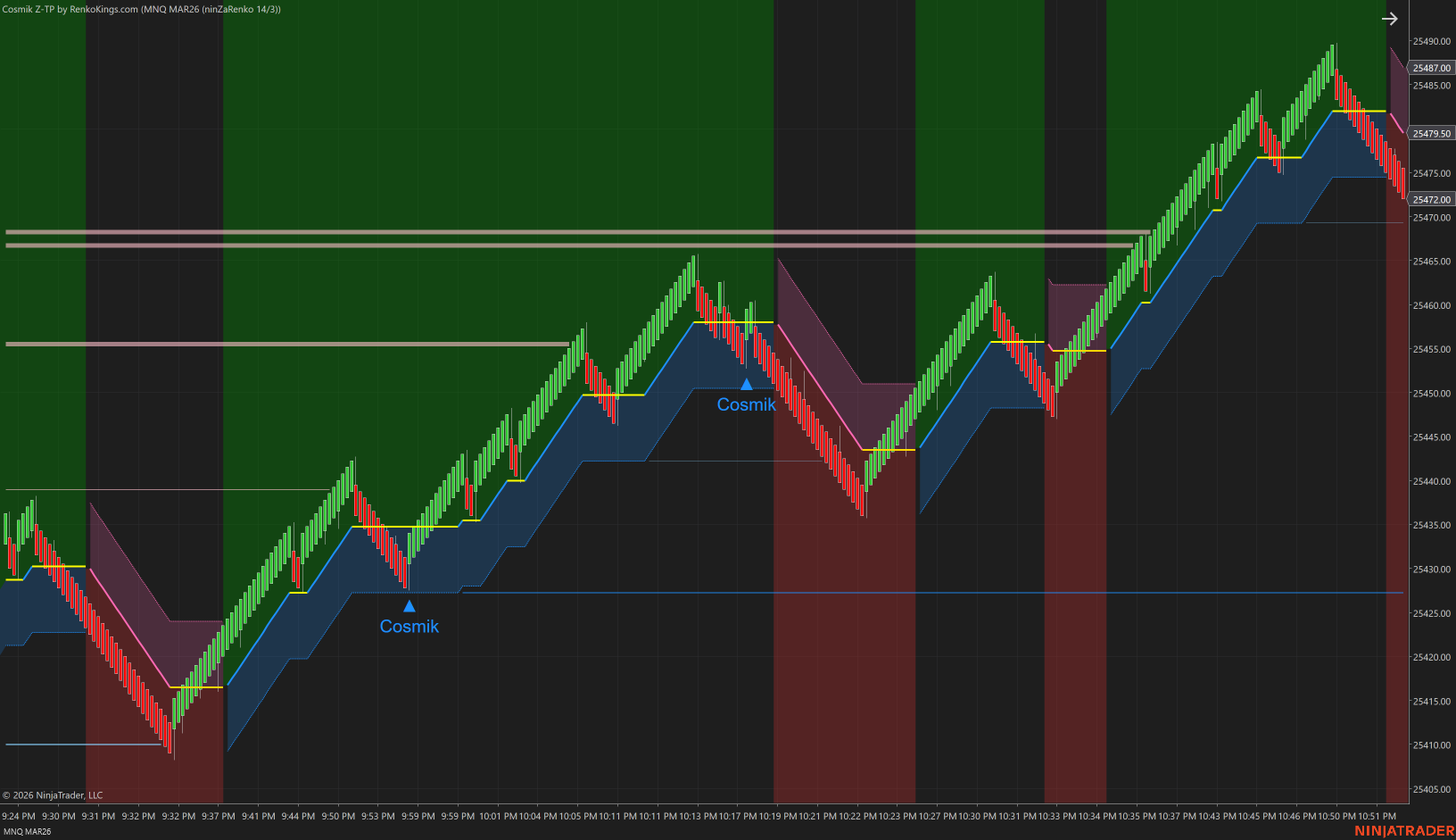
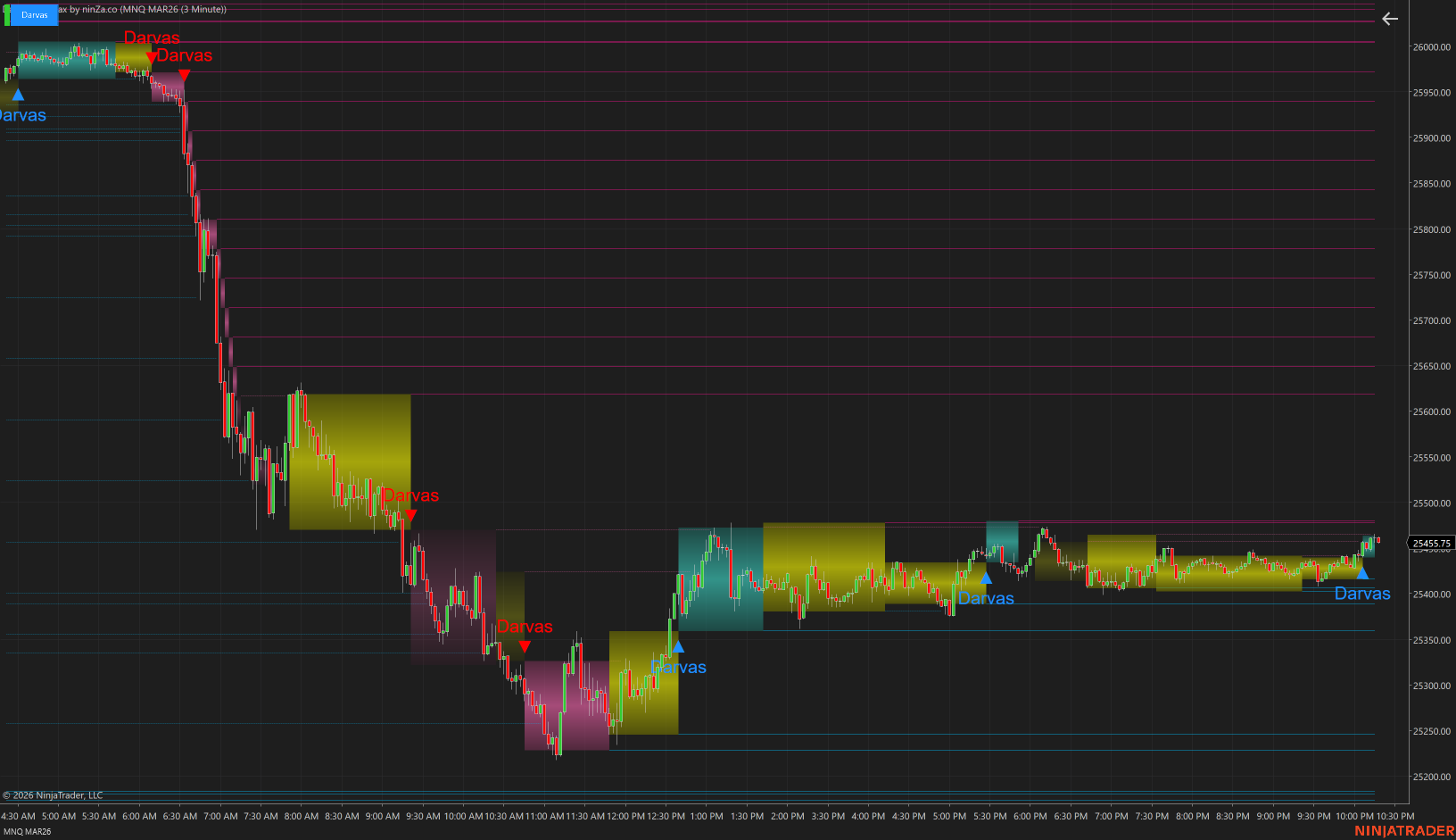
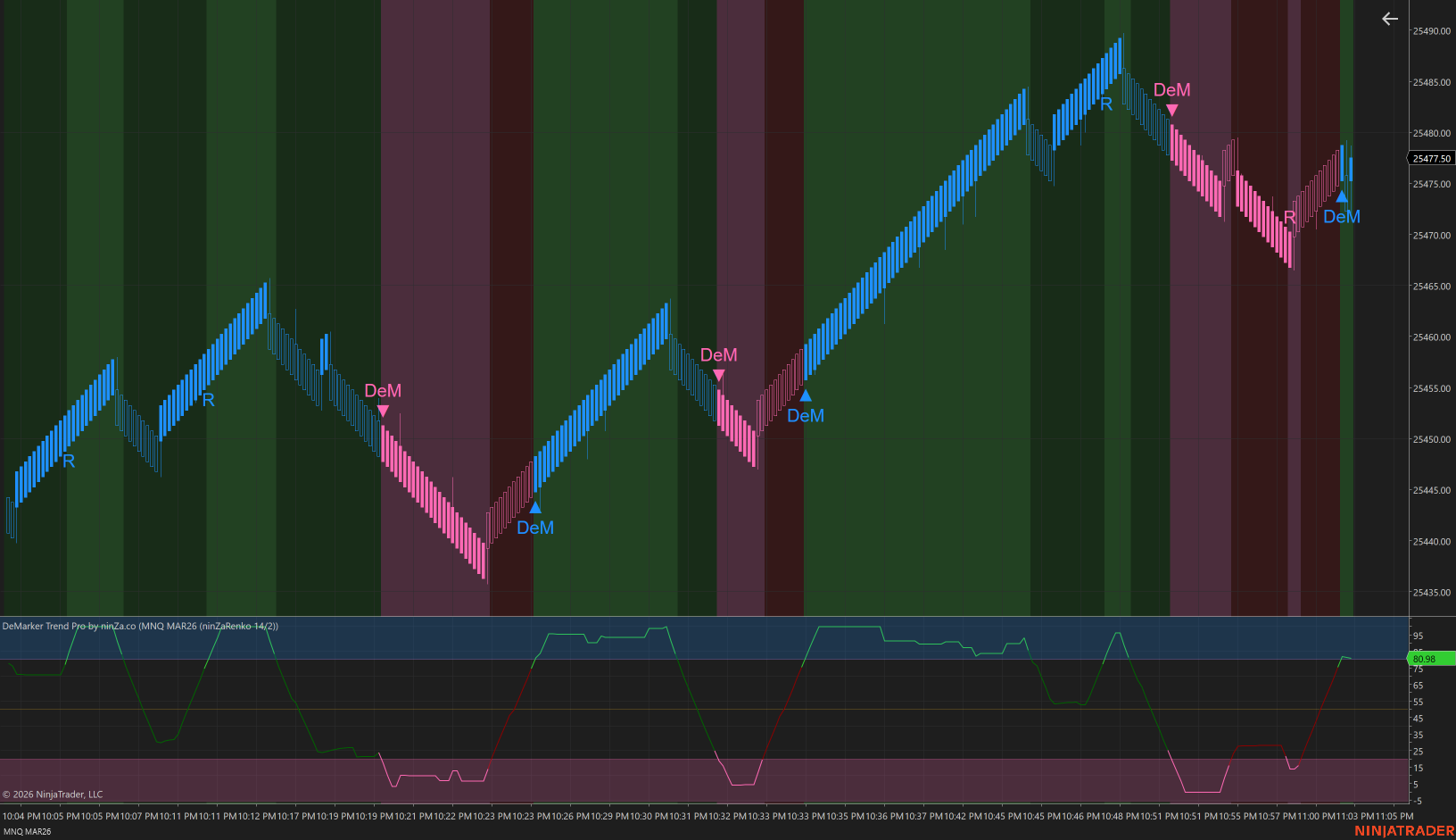
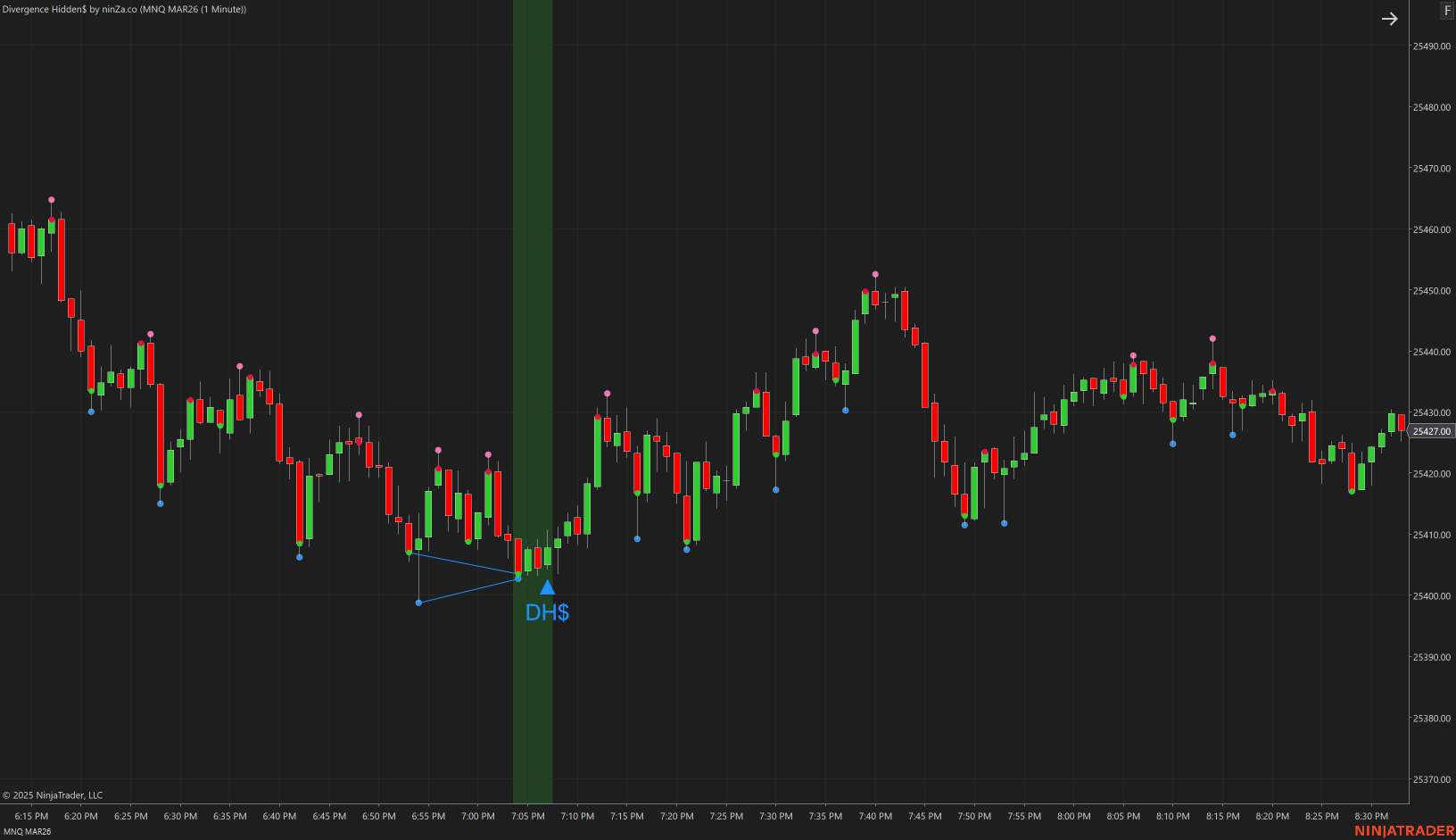
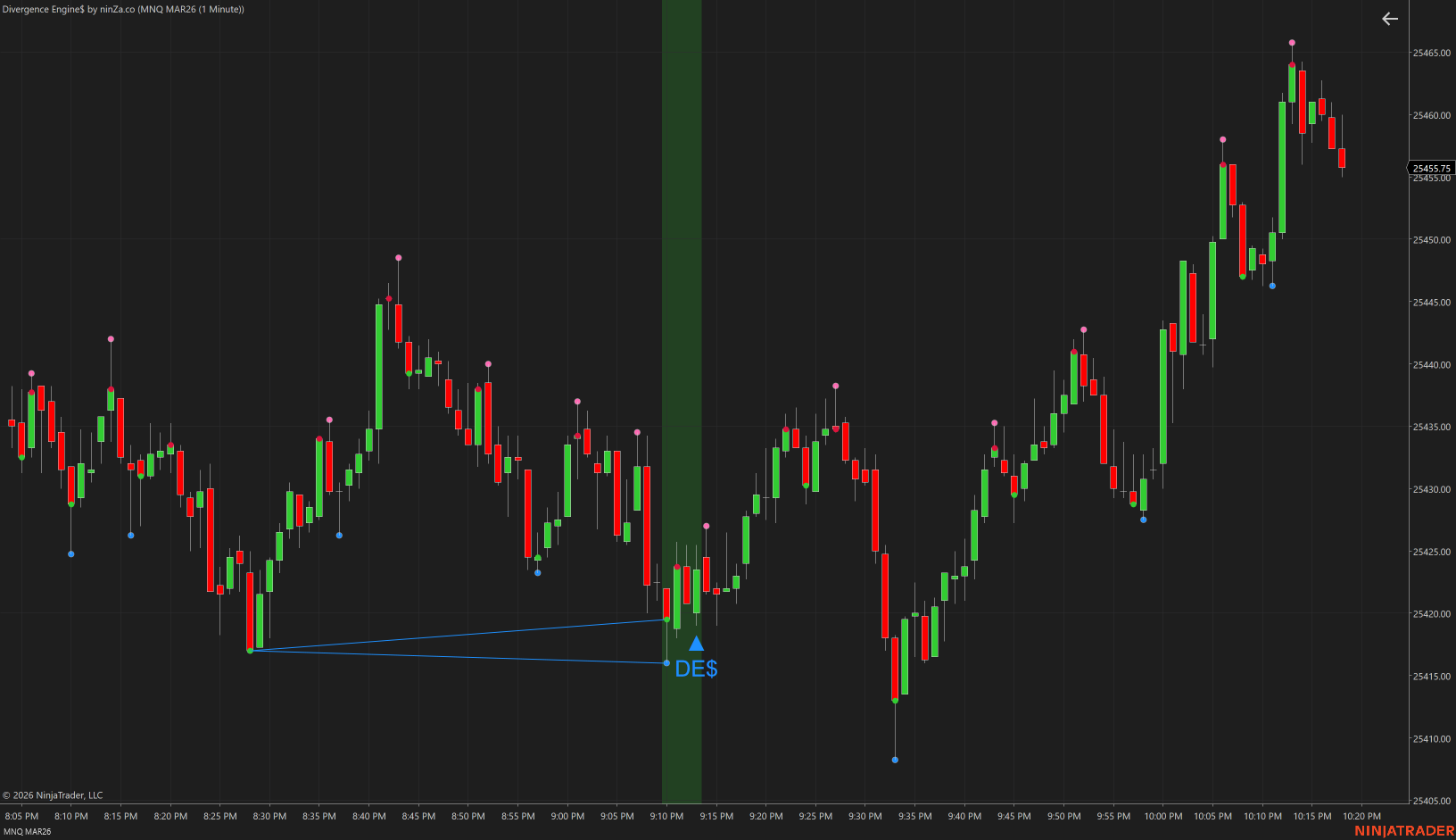
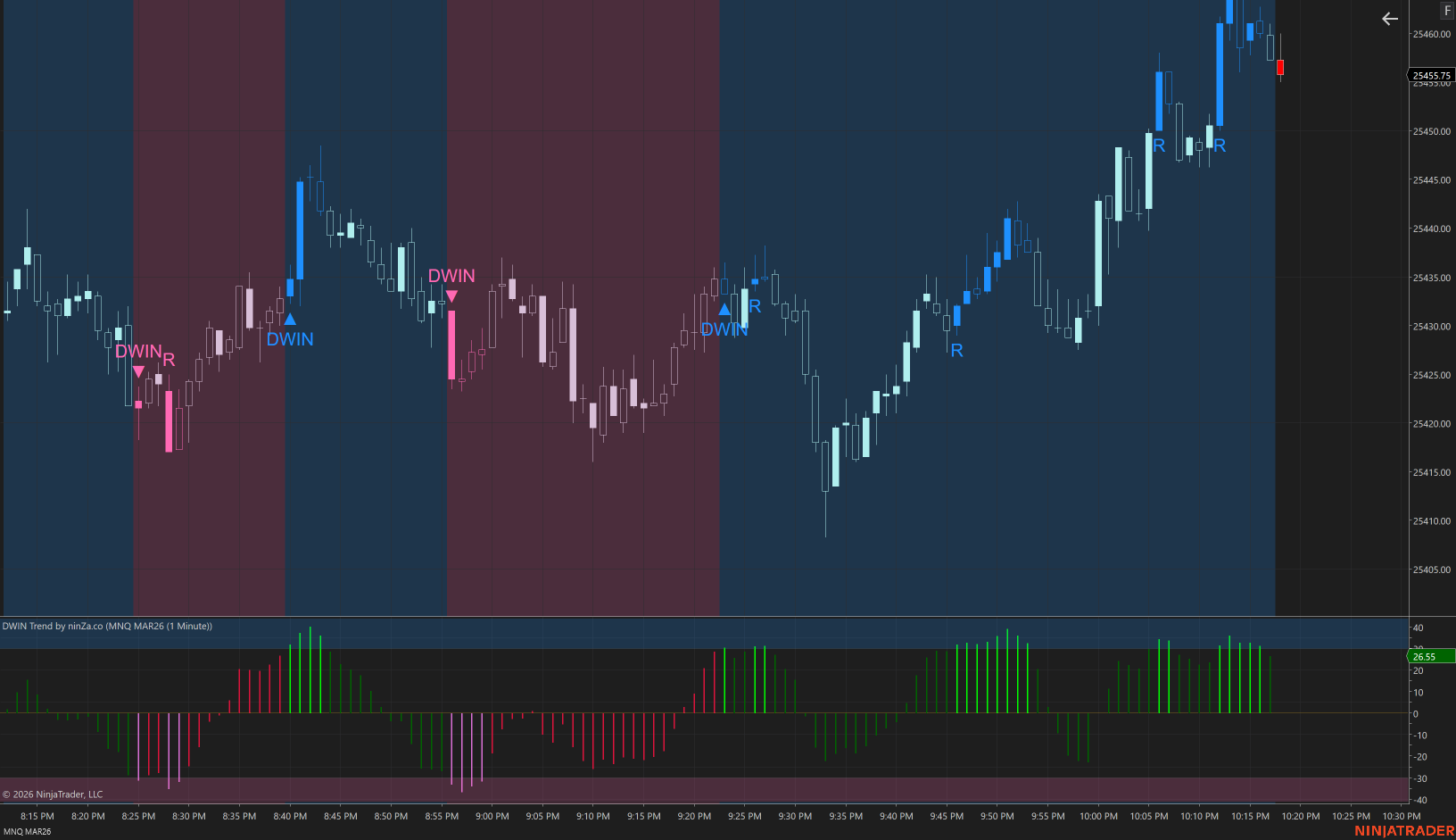
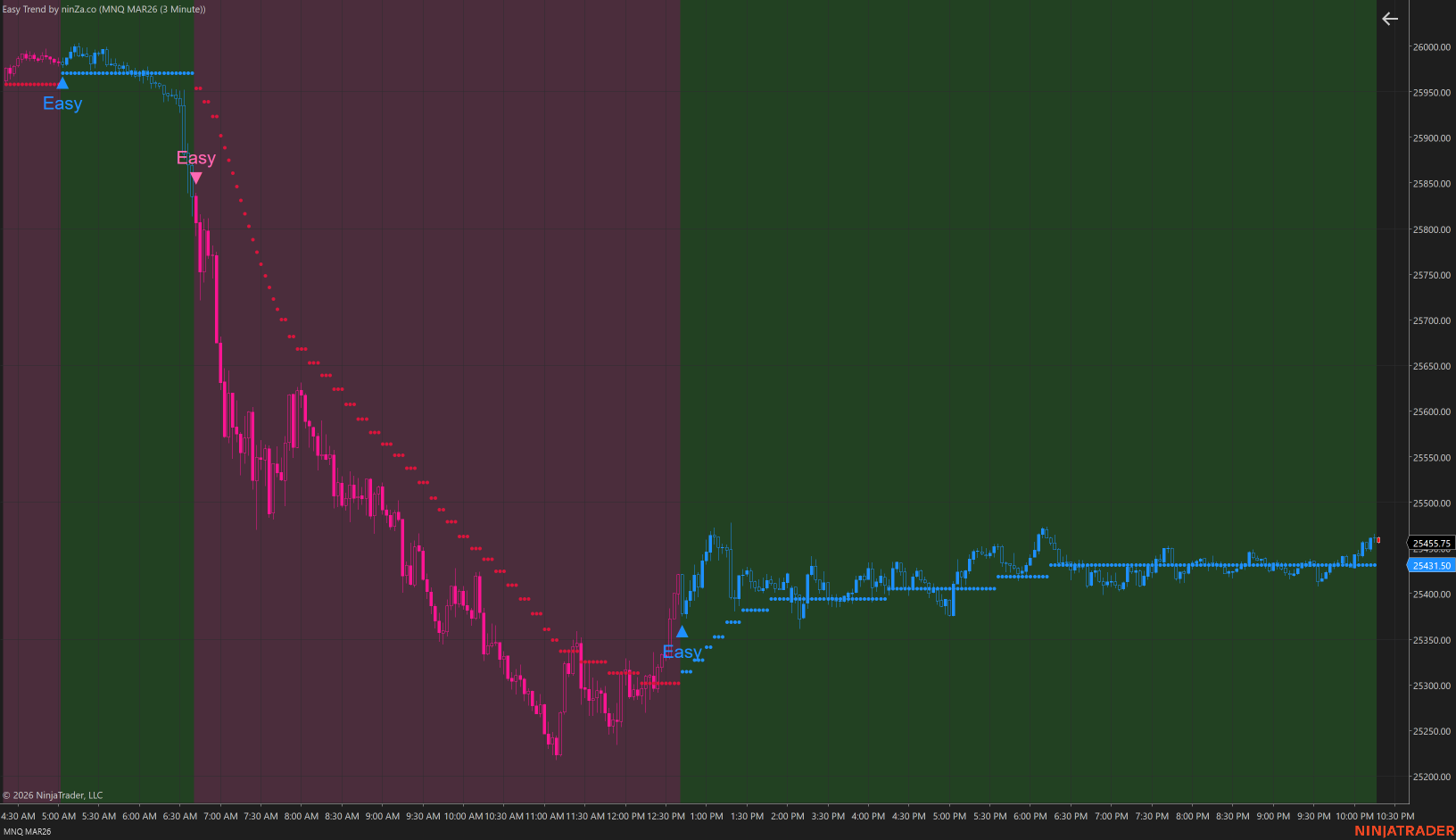
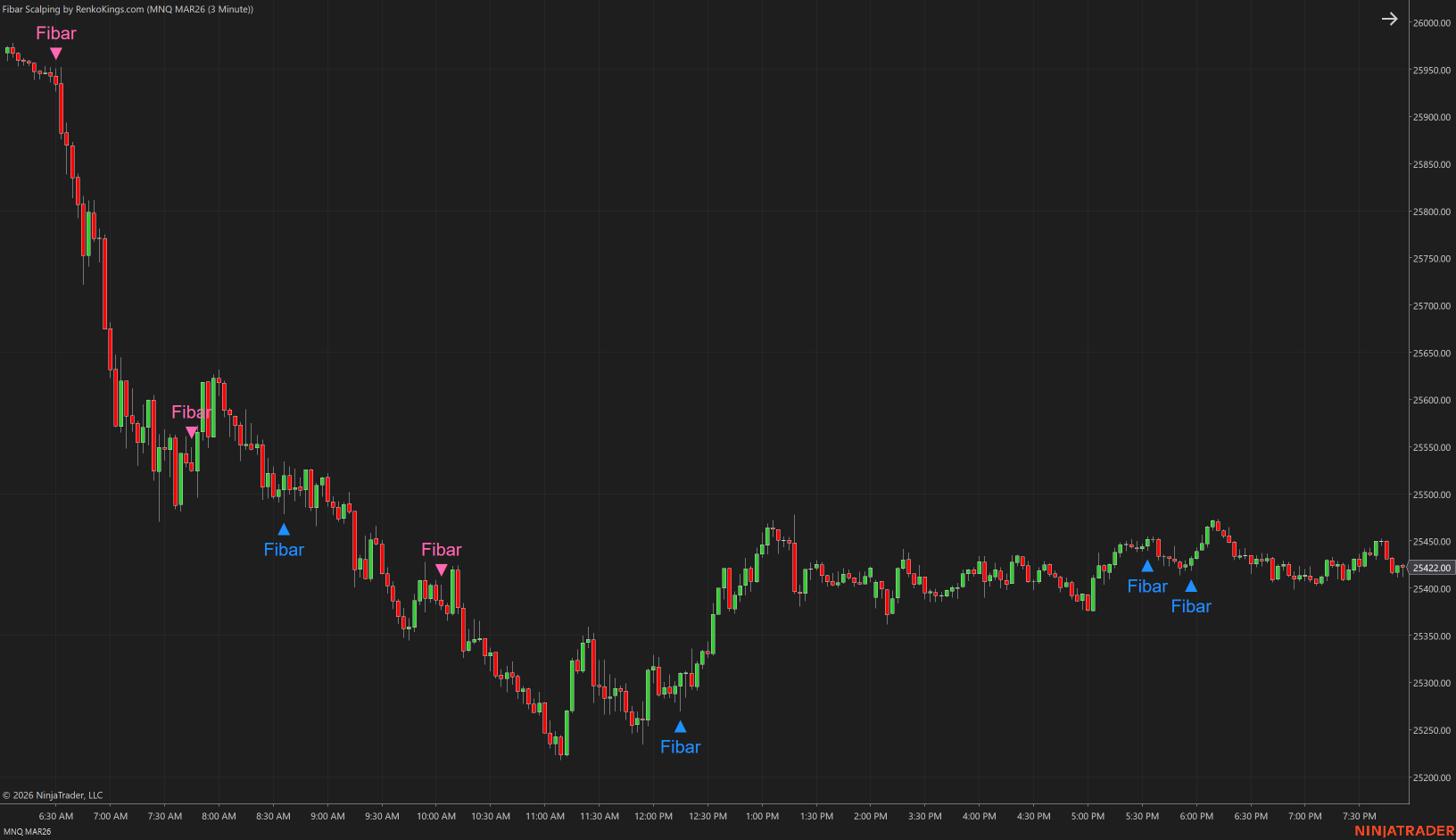
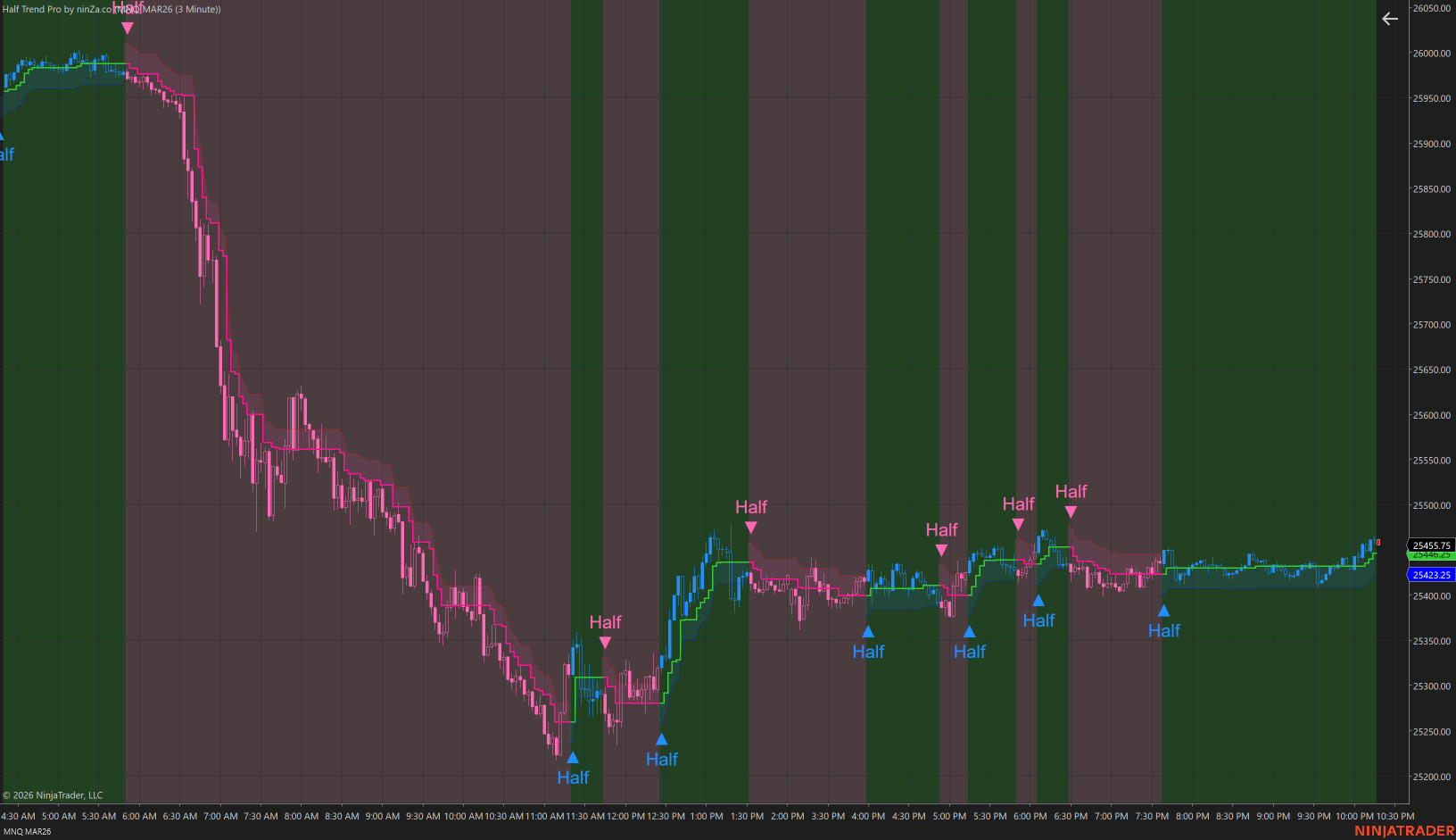
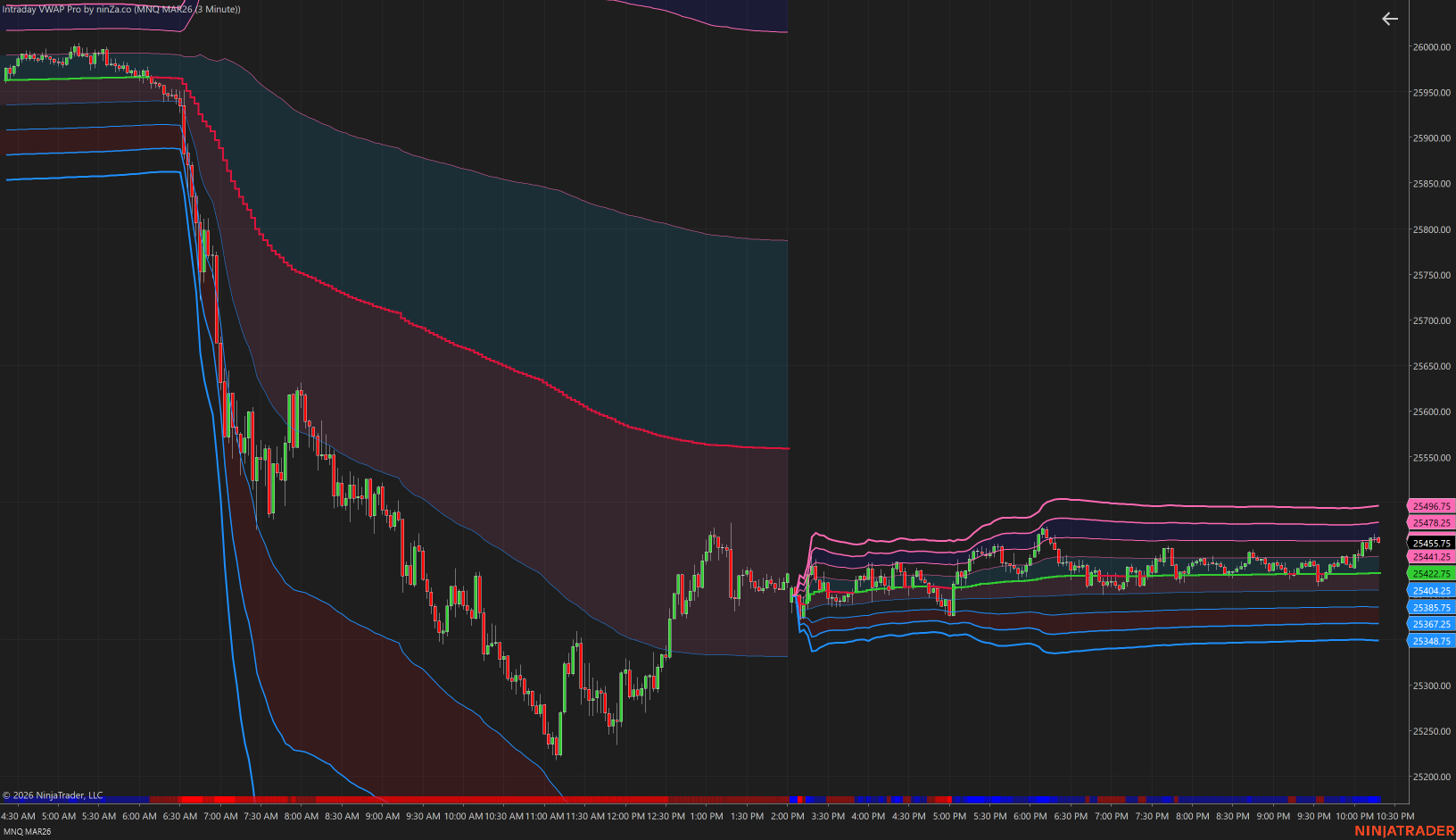
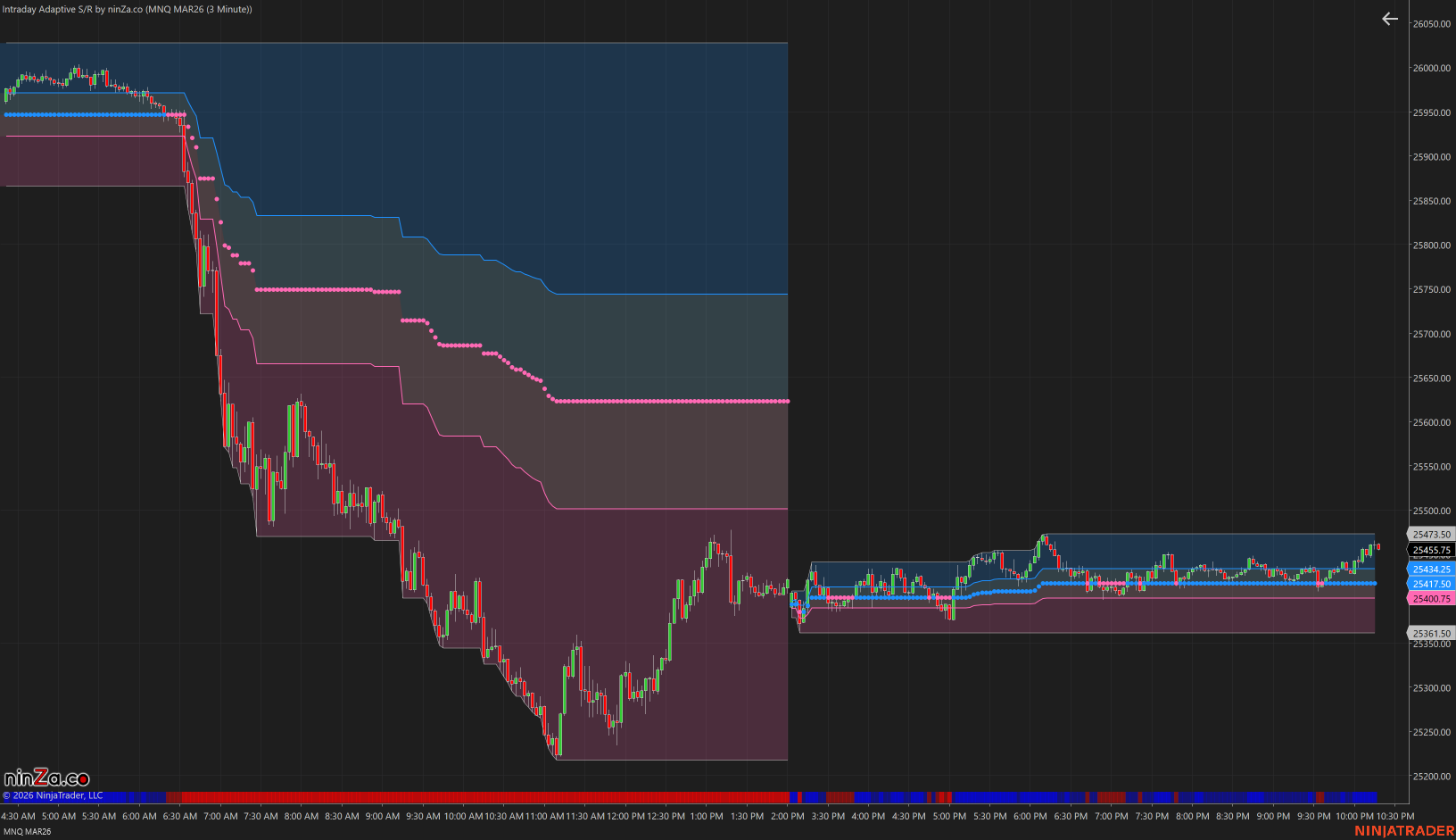
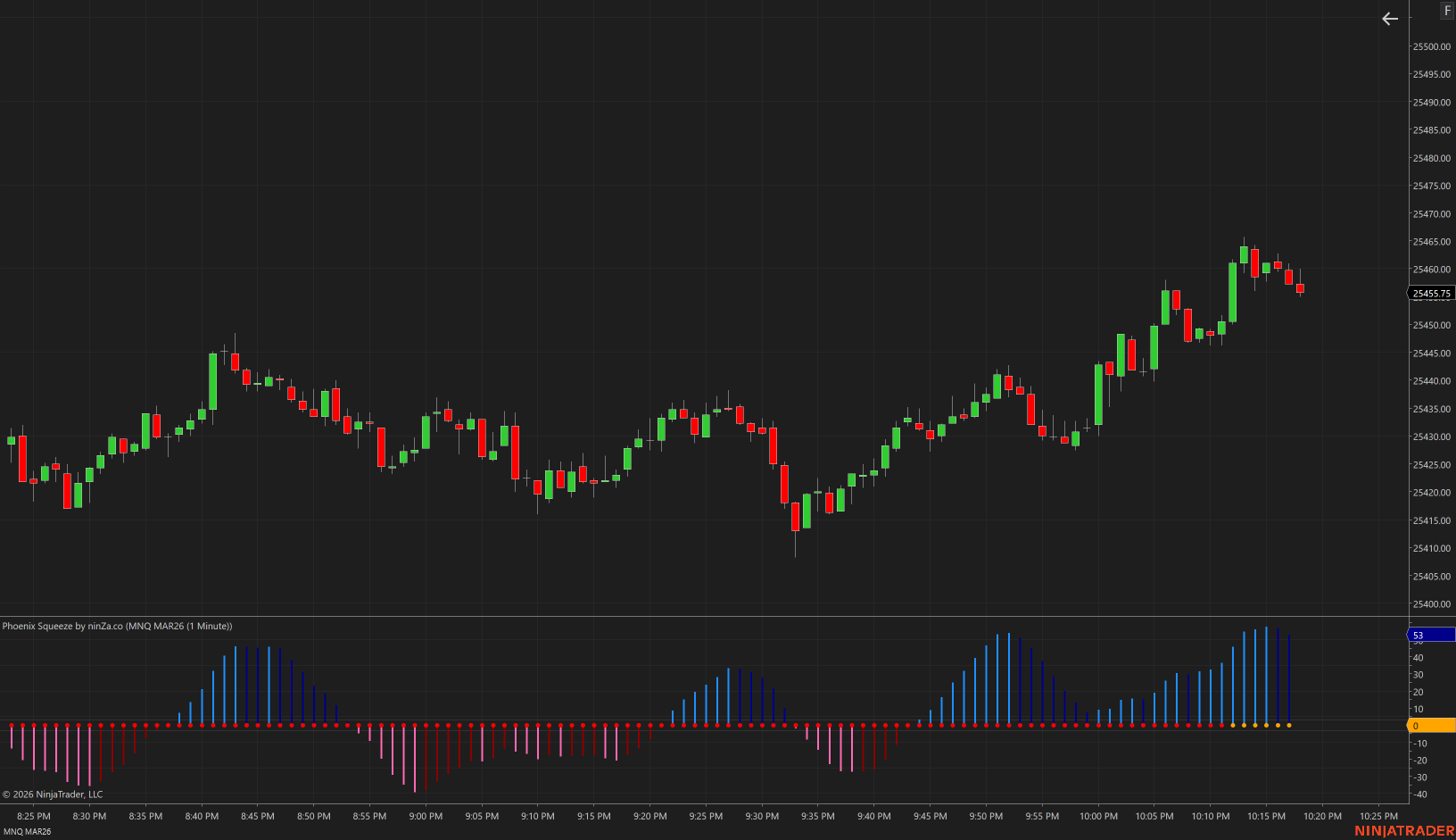
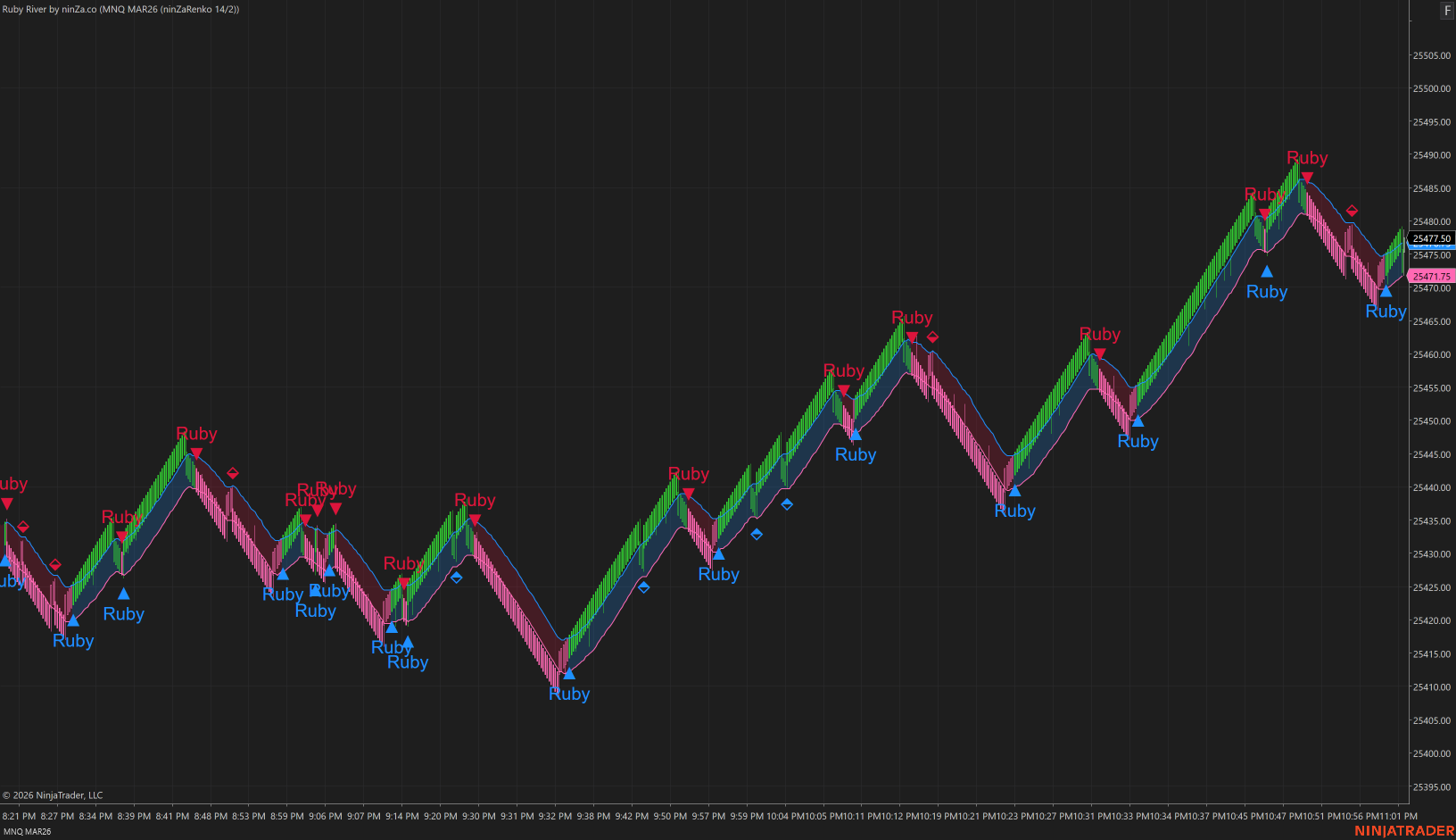
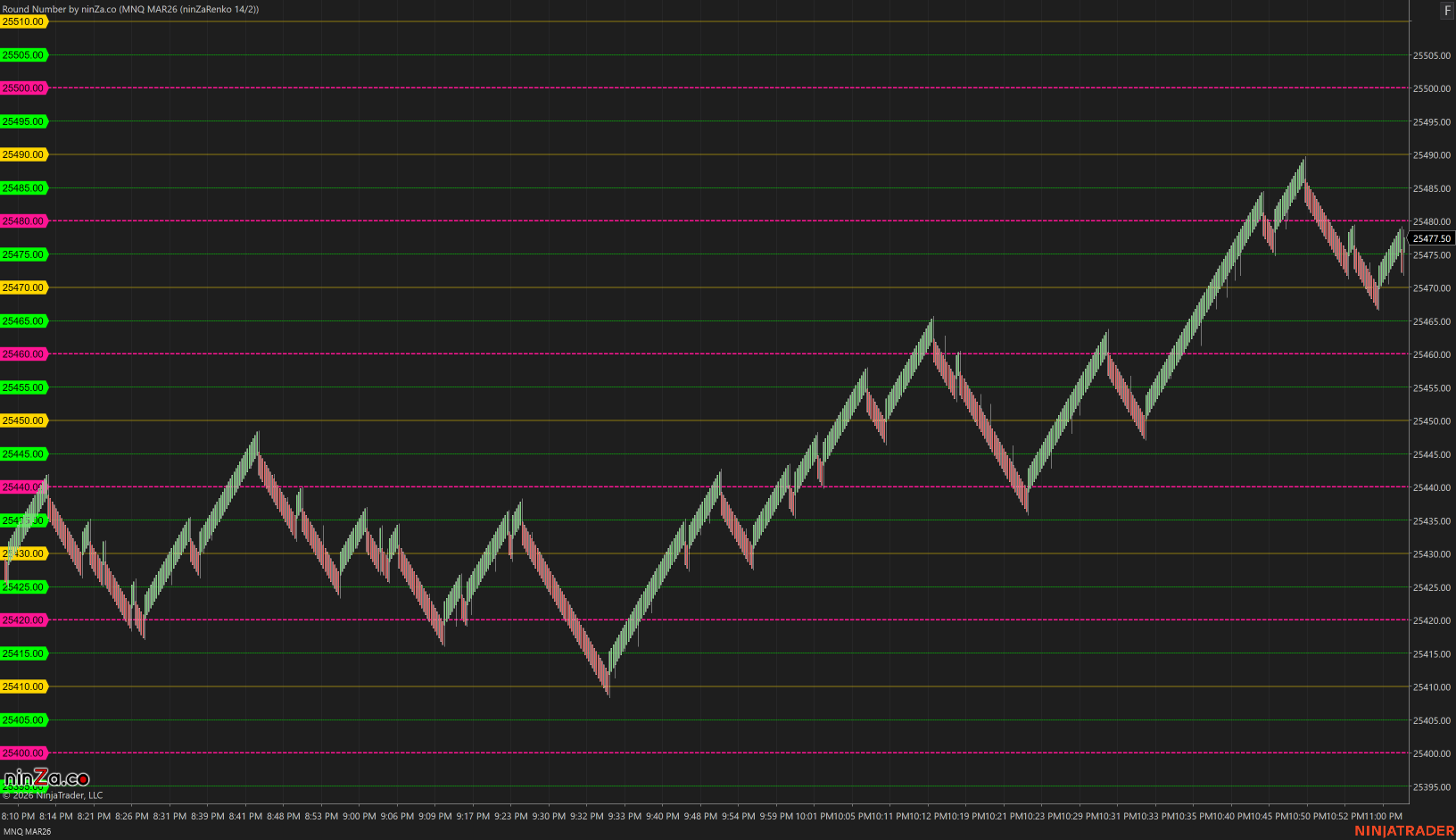
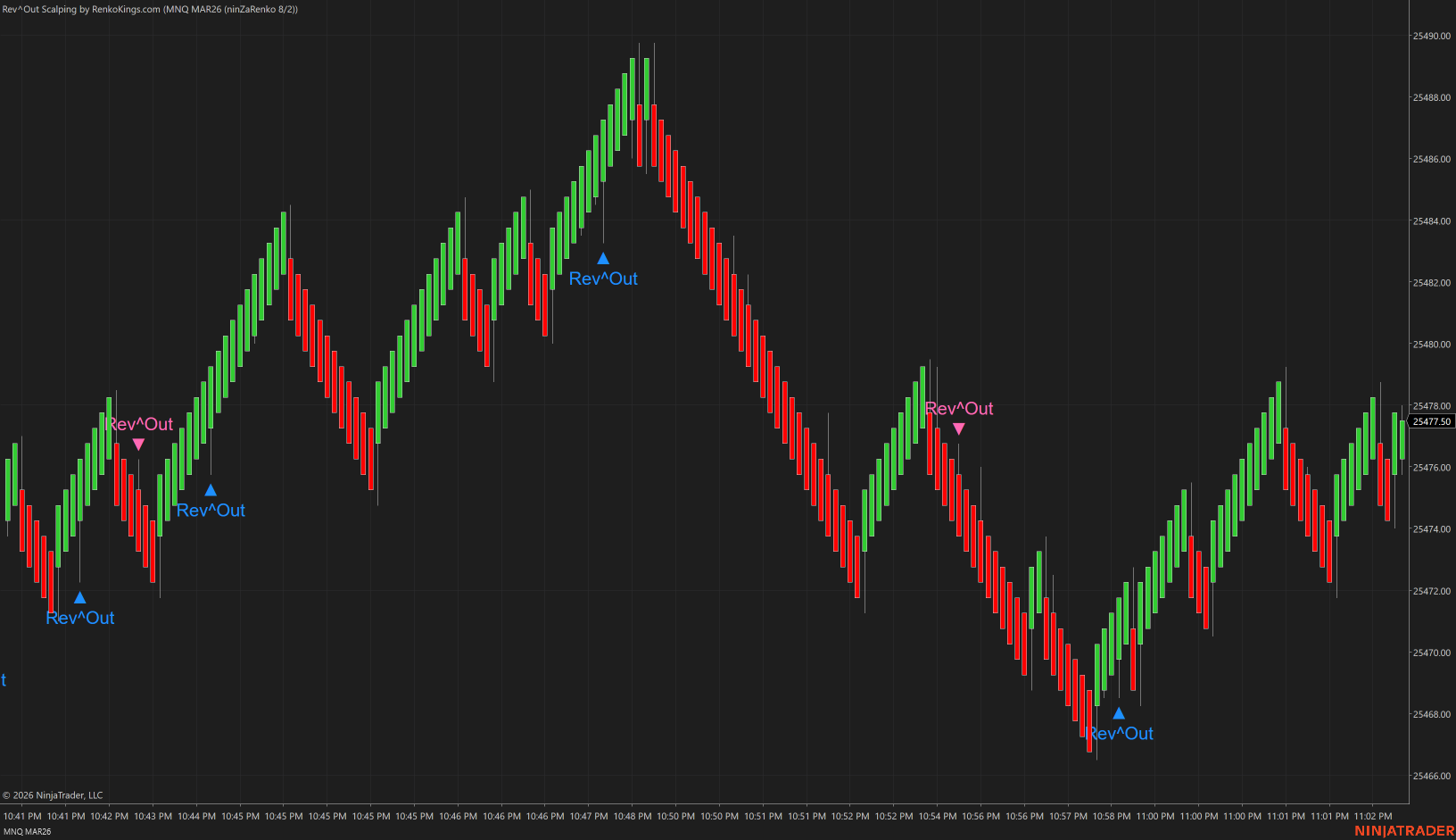
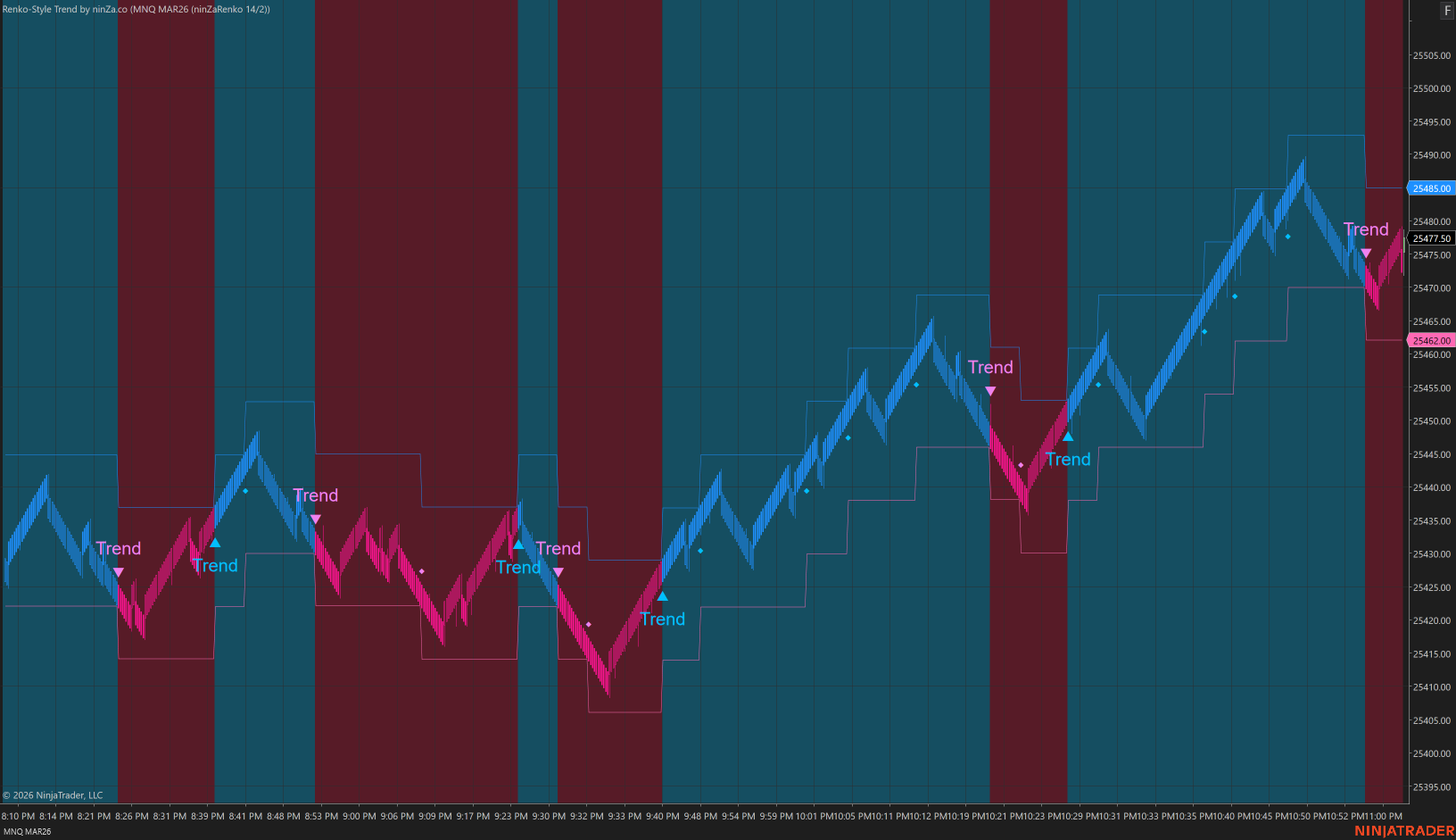
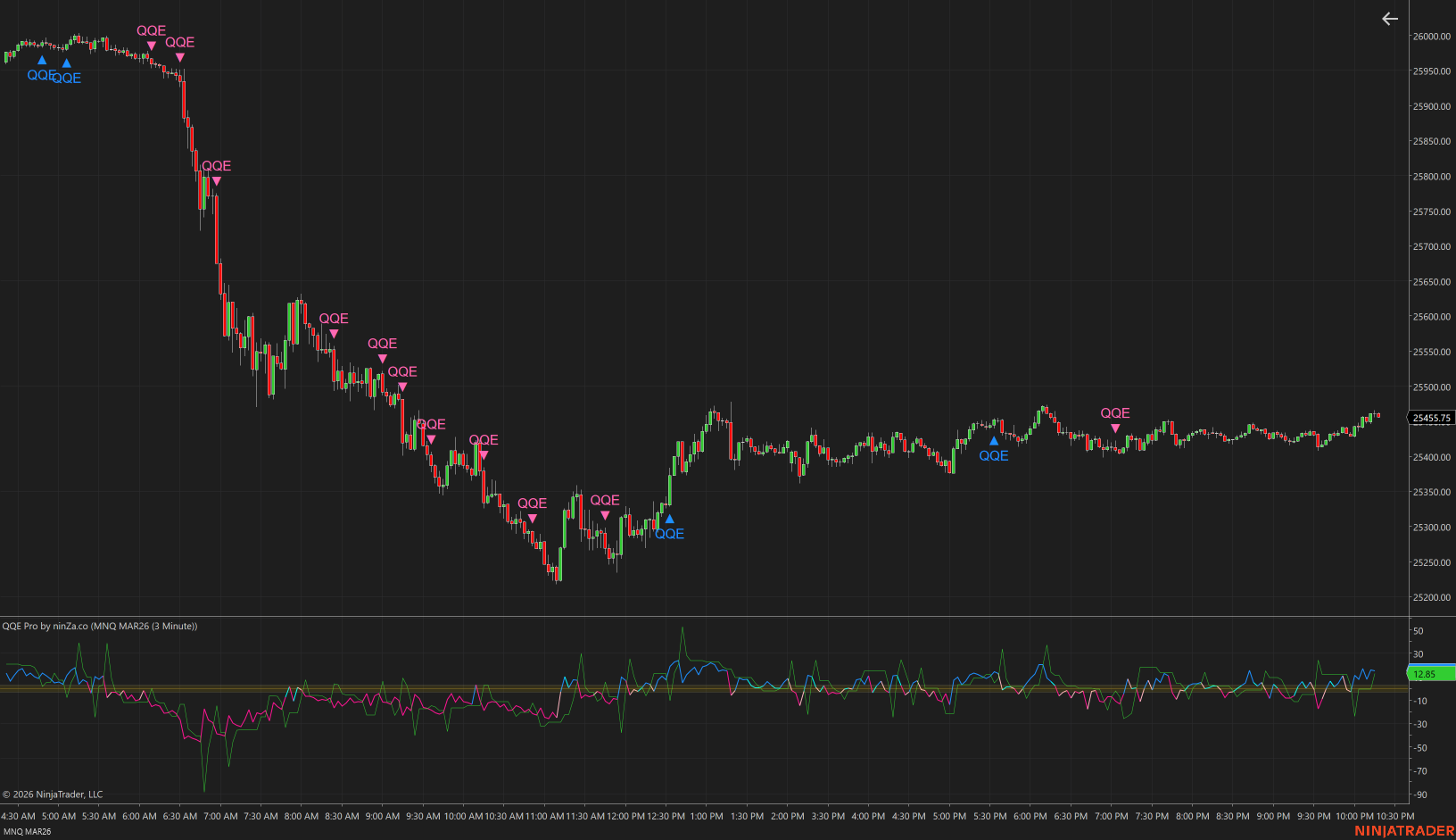
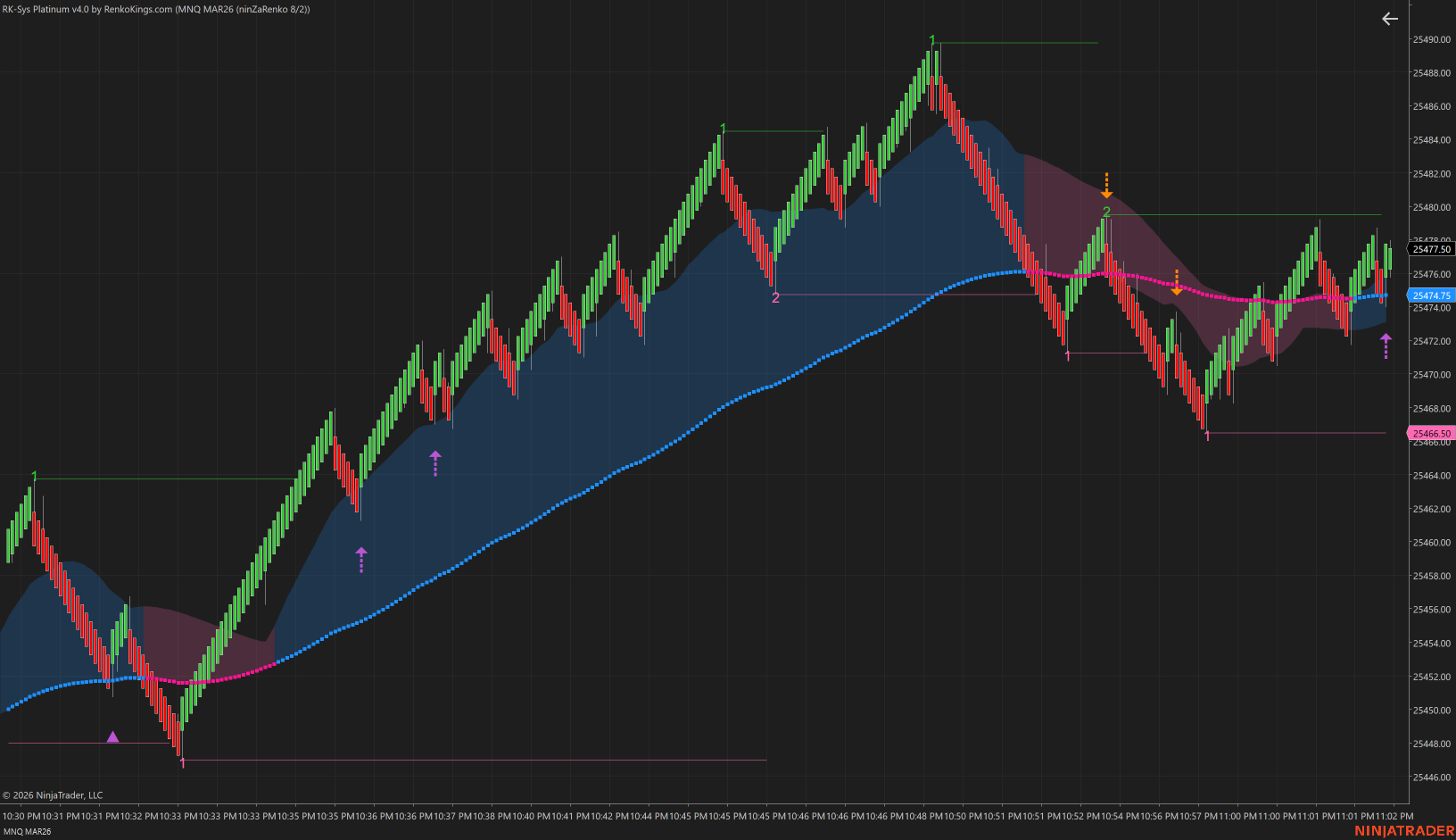
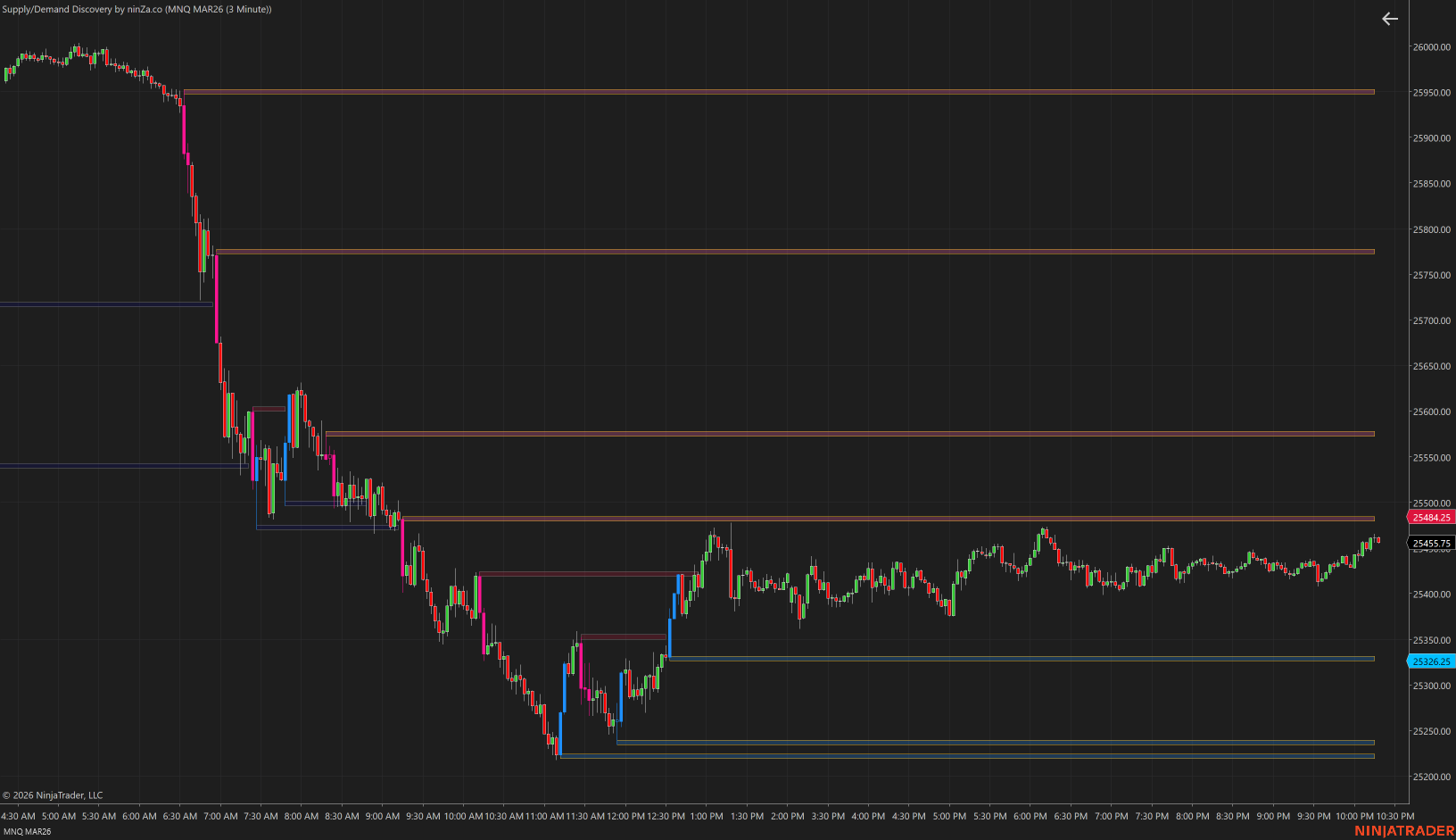
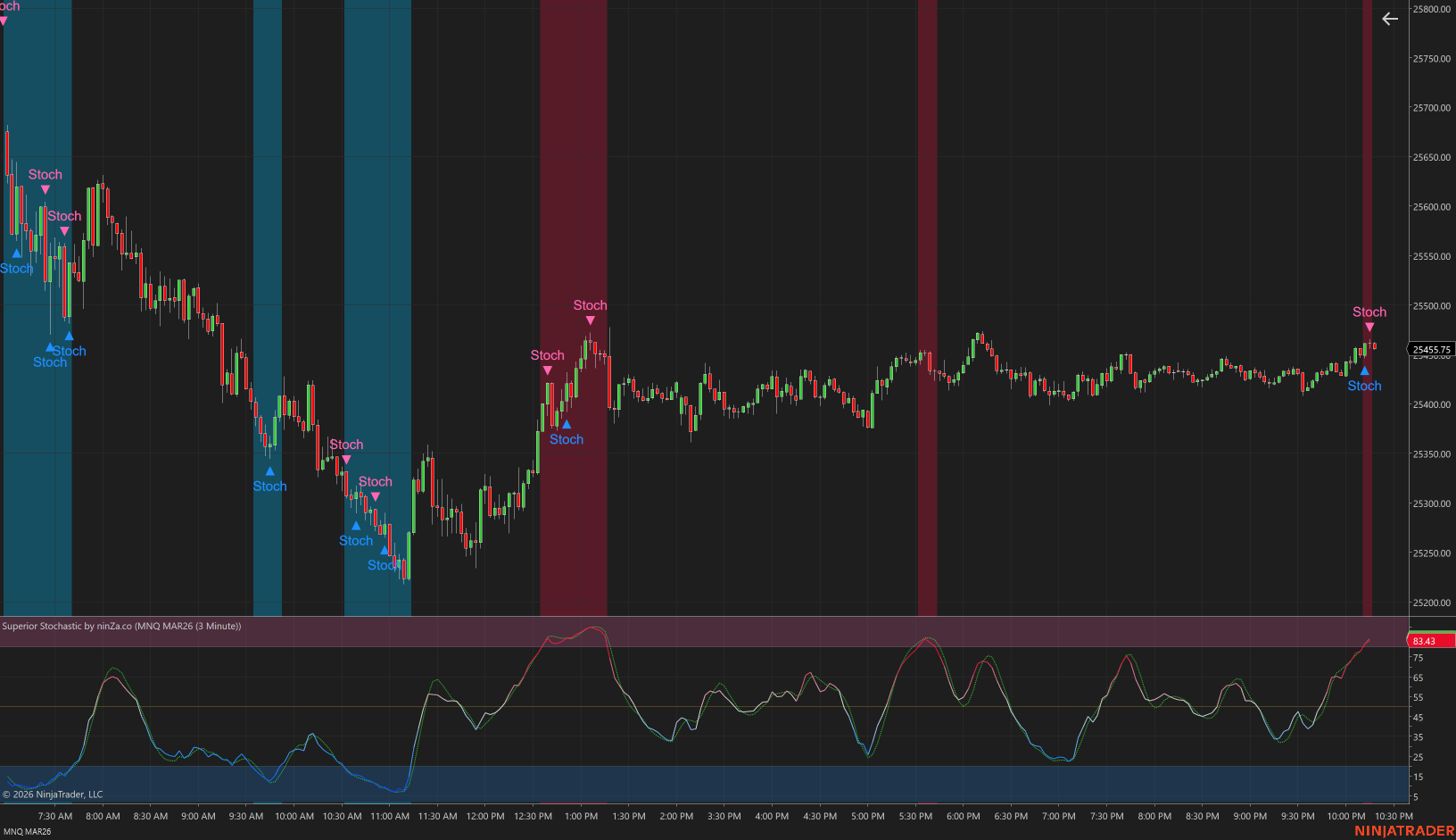
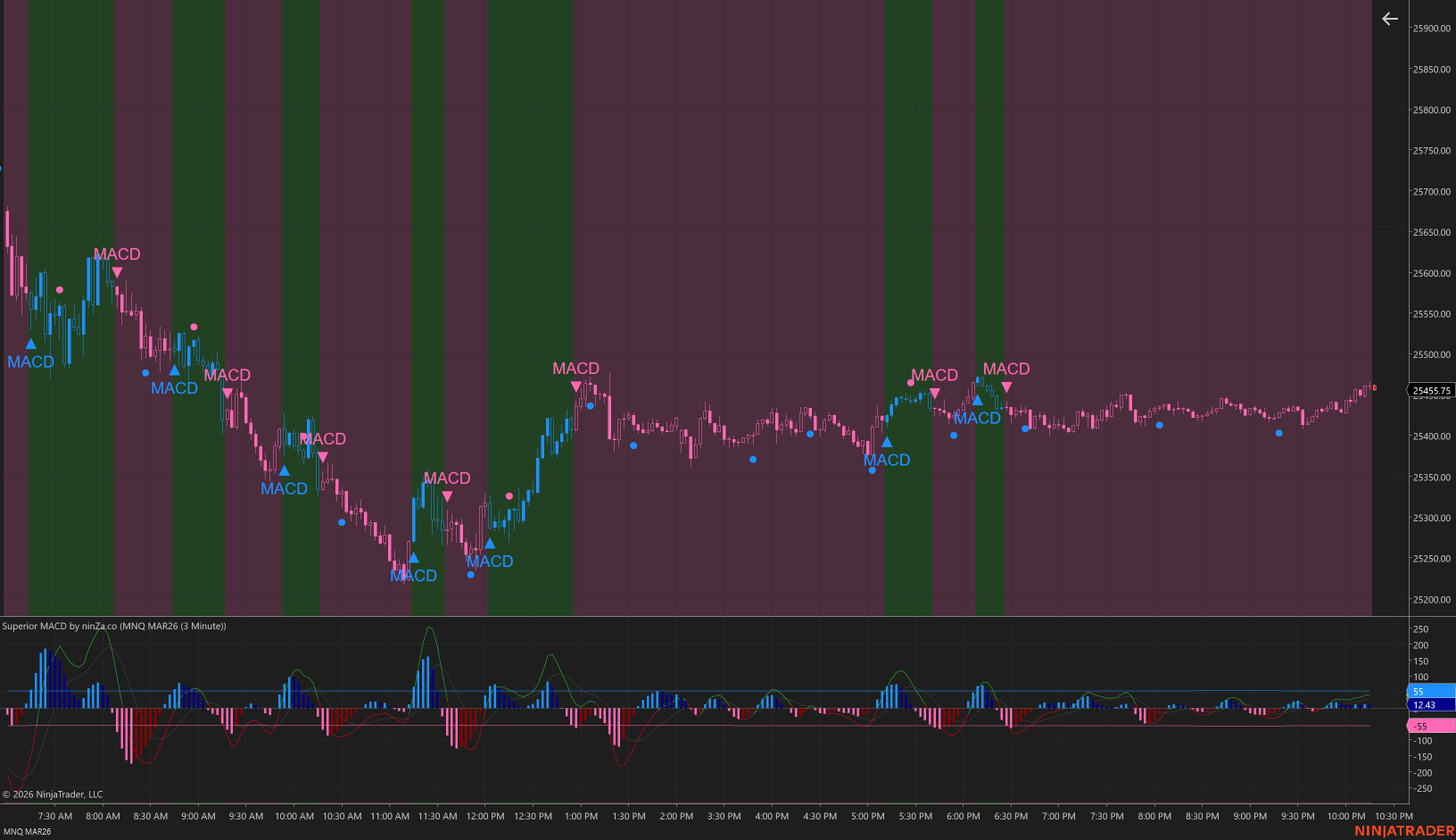
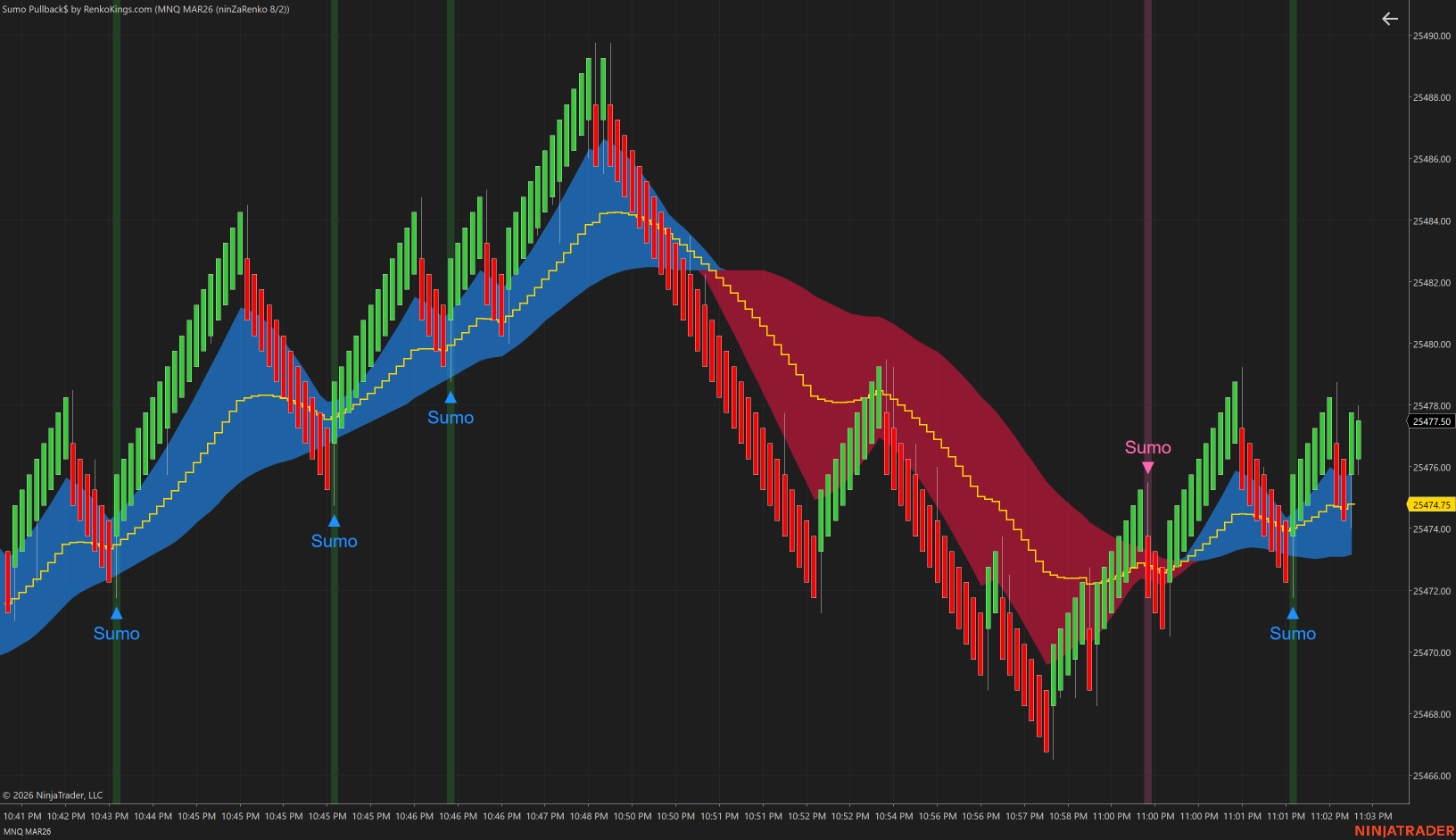
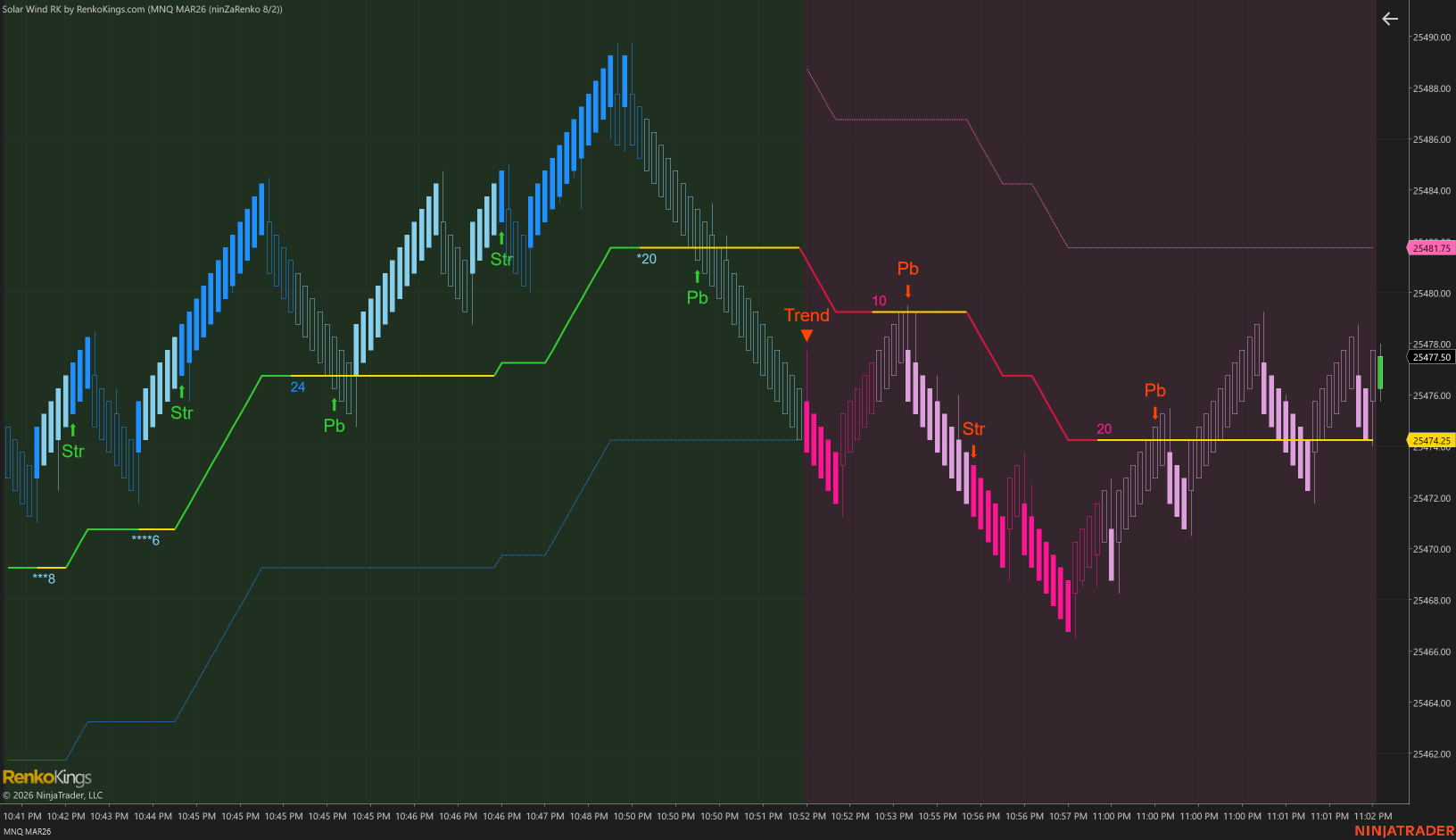
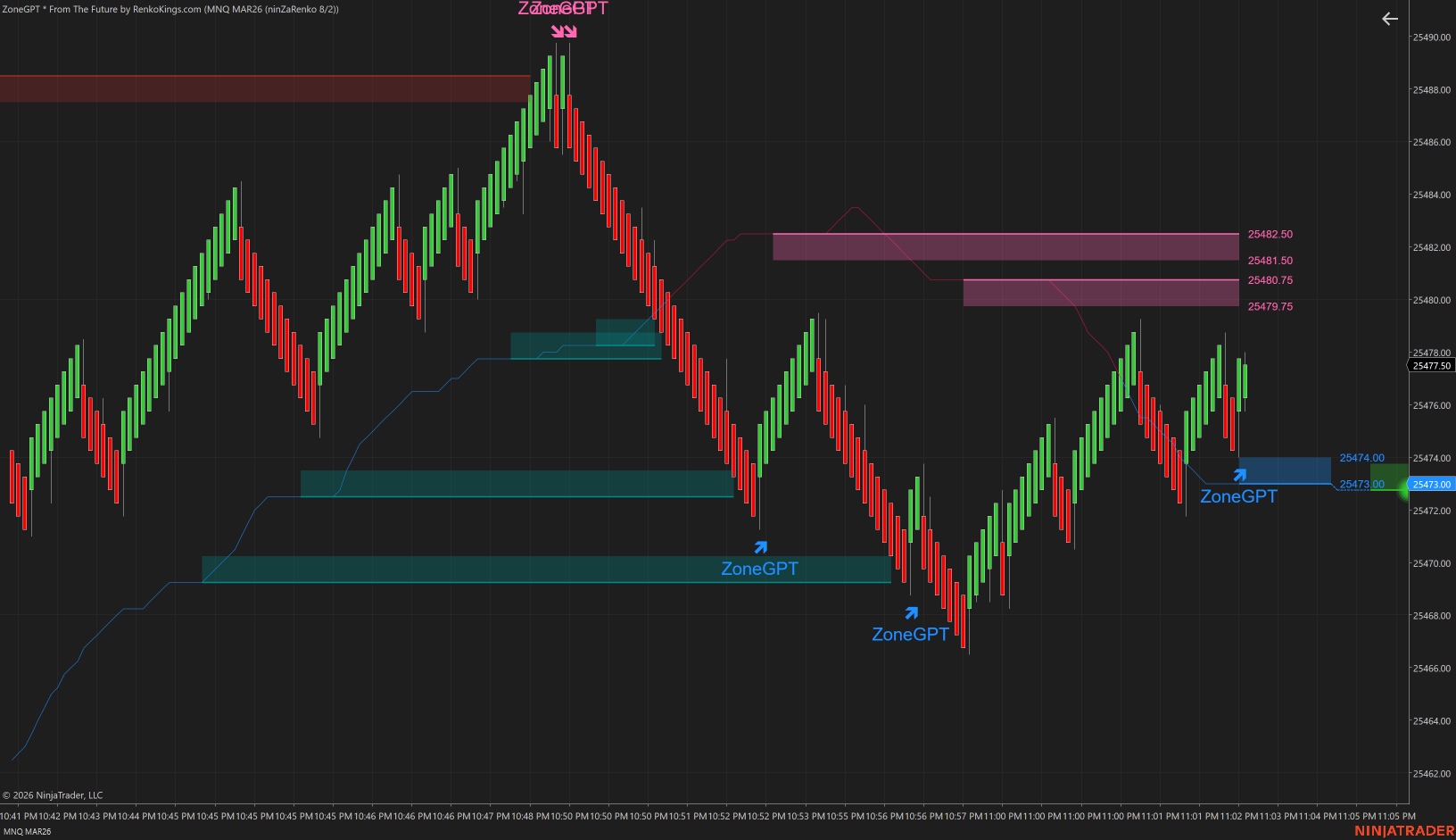
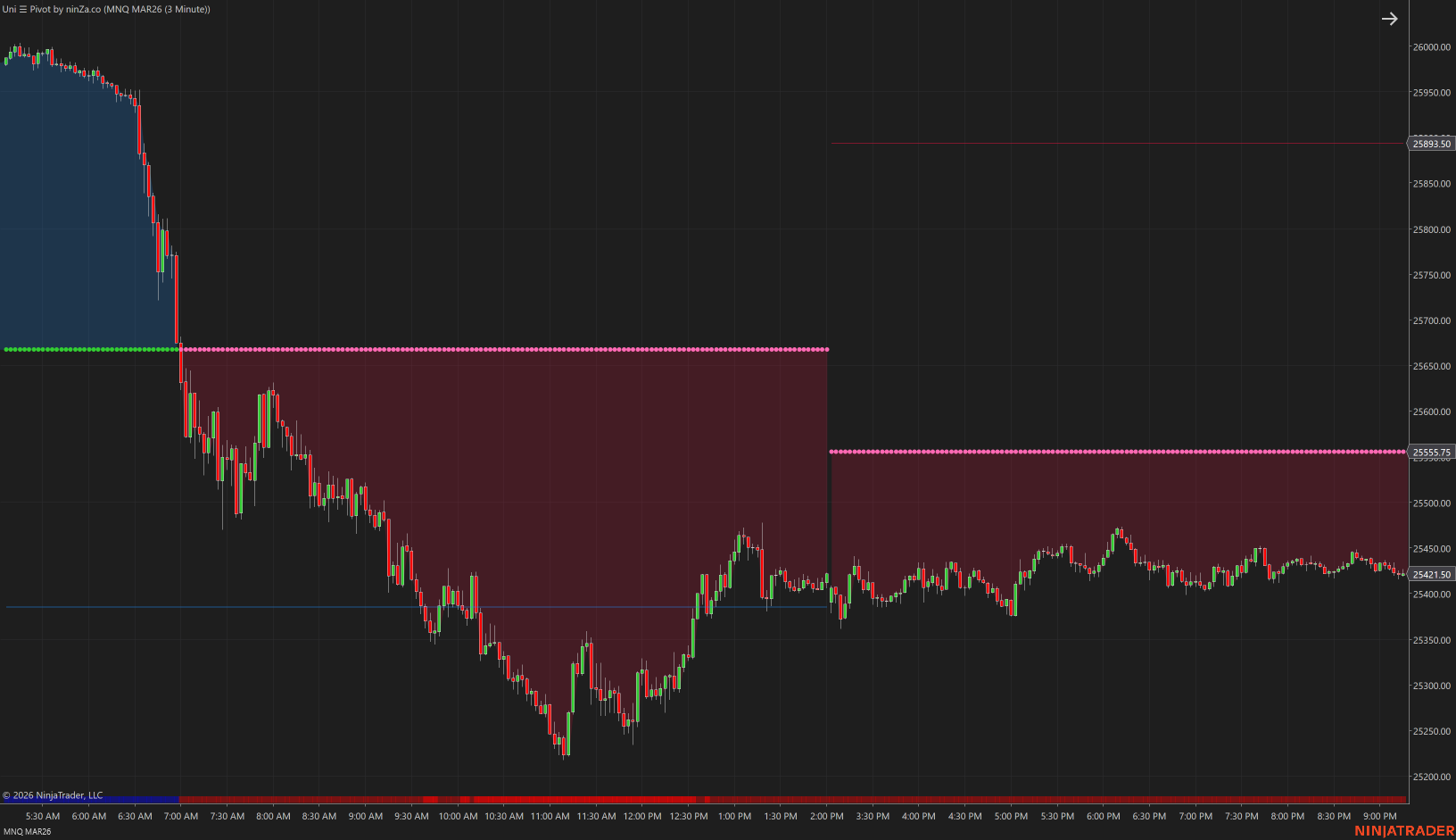
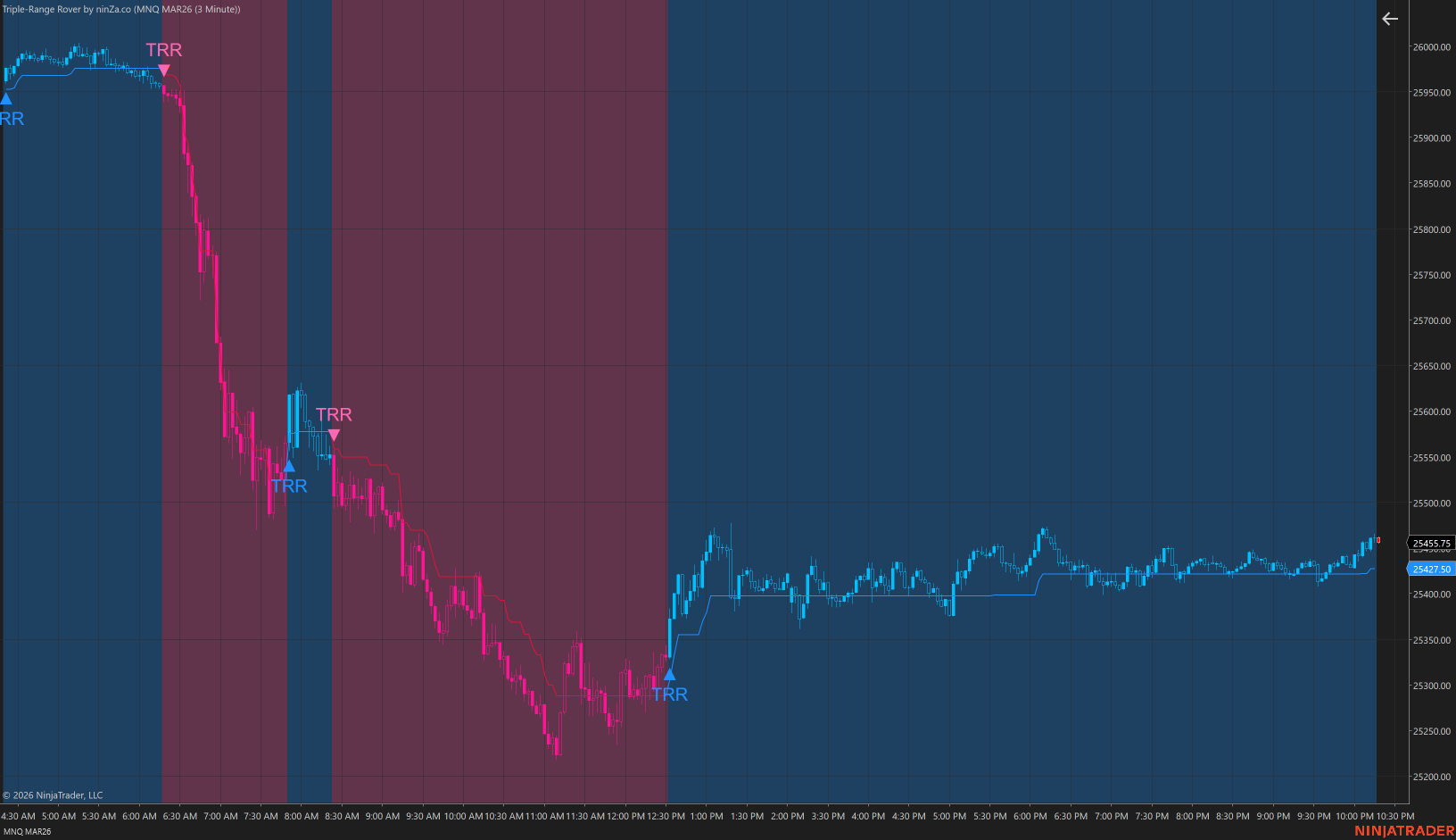
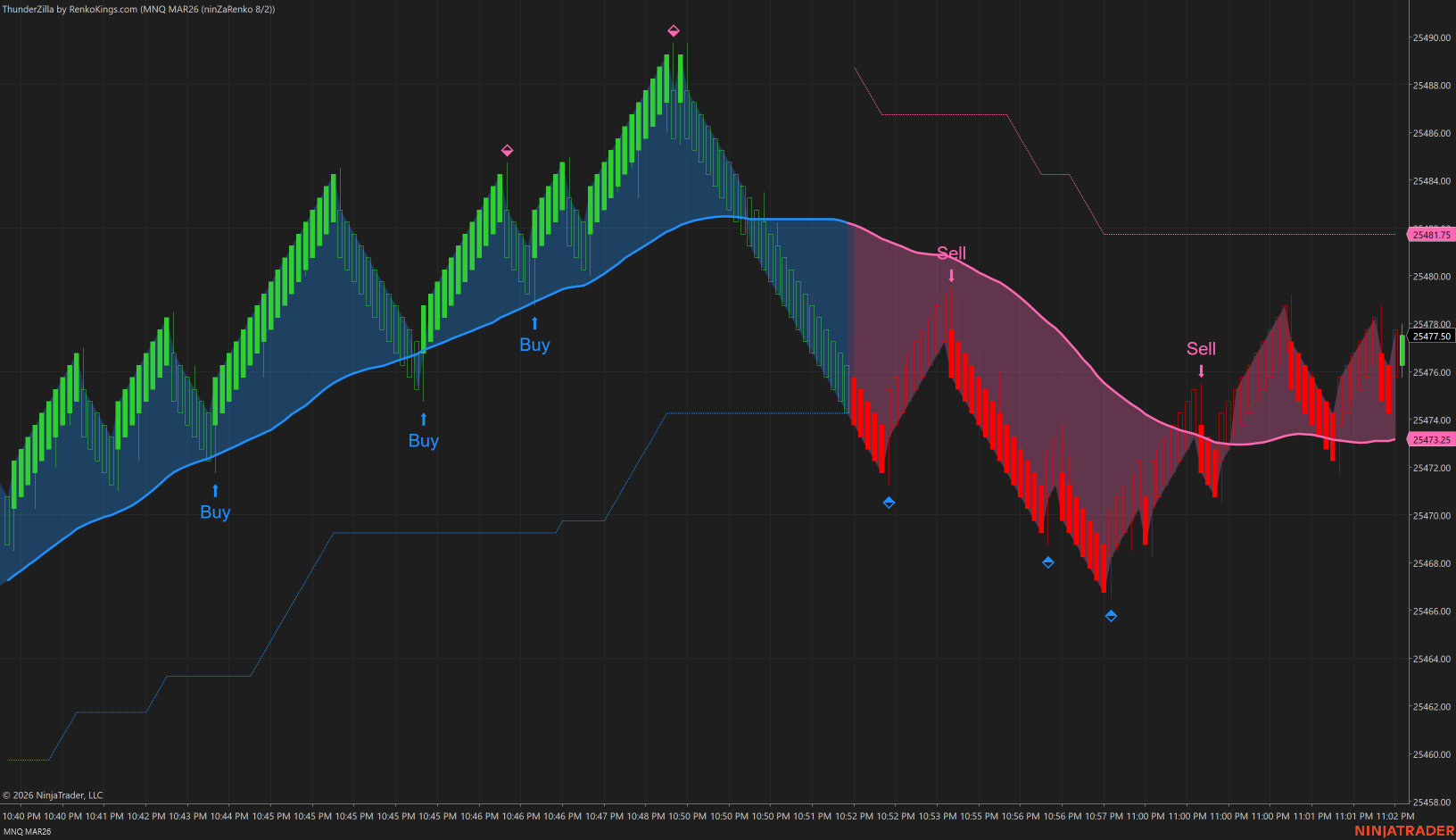
Hello, In the mean time, let's get this easy part out of the way first! Here is the most comprehensive list of Ninza indicators. Including some of the brand named ones and the instructions for how to make them work in tandem. Some of the paid and brand named ones: SolarWind CosmikZTP StormEye ZoneGPTFromTheFuture ThunderZilla SumoPullback FibarScalping RKSysPlatinum RevOutScalping Best Alligator Multi Timeframe Fusion VIDYAPro TripleRange Rover Phoenix Squeeze Divergence Engine Cumulative Delta DWIN Trend And more... I personally imported each of them, one by one, and checked at once to make sure each would show up on chart and work perfectly as intended. Anything else that didn't work together with these indicators, I removed them. Will tackle those, one by one and see if I could just make them work by themselves. Just as the VWAPFlux that I recently posted here. Gotta build a foundation first and that is to first import one Ninza indicator which has all the needed files for all the other to work along side with one another. This part is much important! Lastly, another much important key here is, to just click "NO" for EVERYTHING when you see a pop up message asking you to replace anything at all. This is the opposite of the old way we used to think, to click "YES" to replace files. By importing a correct Nina indicator first, we already eliminate all the frustration and headaches that follow. That is, we do not need to fumble around by importing one external Resource File right after another and another... just trying and hoping the indicator would then work. Obviously, nobody would actually install every single one of them and use them all. But hey now, if you are one of those who has 10 big monitors setup in your trading room, then by all means, go crazy🤩 If not, then choose your favorite poison(s) but still, do follow the instructions and install the FIRST needed indicator. https://workupload.com/file/MZFN2CtH9gu Enjoy! P.S: On a personal note, many thanks and great appreciation to all of you, the quiet contributors behind the door and of course, all the educators, @apmoo, @redux, @kimsam, and @N9T...This task couldn't be done without them!
- 136 replies
-
- 26
-

-

-
Hello, Sorry it took me a while to get back on this Ninza.co topic. I am aware that many of you had it all figured out and all the Ninza indies work out just fine and dandy for you. However, I also know that many peeps couldn't get these indies to work, no matter how much time they spent on the PCs, plucking their hair out and still, no success. Some just gave up and moved on. Especially for folks who are new to Indo-Investasi and Ninjatrader craps. I am now attempting to post these files here, ONE BY ONE, as I go along. There are just way too many of these Ninza indies and so, I will only take care of the brand named ones. Many of them are just freebies that you can just download yourself from their website. There should not any issues with those free ones. On this note, those are just junkies to me personally. That is just my own view. You might find them useful and helpful enough in your trading activities. Enough said, here is the first one. The infamous Ninza_VWAPFlux. Some quickies of insight regarding the files. If you notice, the VWAPFlux comes with its own Resource file imbedded inside its file. Yet, for some odd reasons, after importing it into your Ninjatrader8, it still wouldn't show up. Noted, I am only using the latest official version of NT8. Not the cured or fixed one. I found out that, it actually needed another file to it and that is the NinzaATR_NT8.dll file. Thus, I had to spend some time to extract the Zip file of VWAPFlux and then, extract another Ninza indie which had the ATR file. Then copied and pasted it into the VWAPFlux file. Finally, zipped it all back into 1 single file. My goal here is, to help out as many new peeps as I could, especially with the newbies. Just to save you some headaches and all the confusion with not knowing which Resource files to go with what Ninza indicators. I am currently having the latest Resource file that I downloaded from Ninzaco's customer portal. I was their customer long ago. Until I realized that most of their indies are just pretty much, the same. Just different fancy names. Same colors. Anyway, hope this would help out a tiny bit. Understand that this will take sometimes to carve out all the brand named indicators. Thank you. https://workupload.com/file/hrXPjxffYJV

- 136 replies
-
- 25
-
-
-
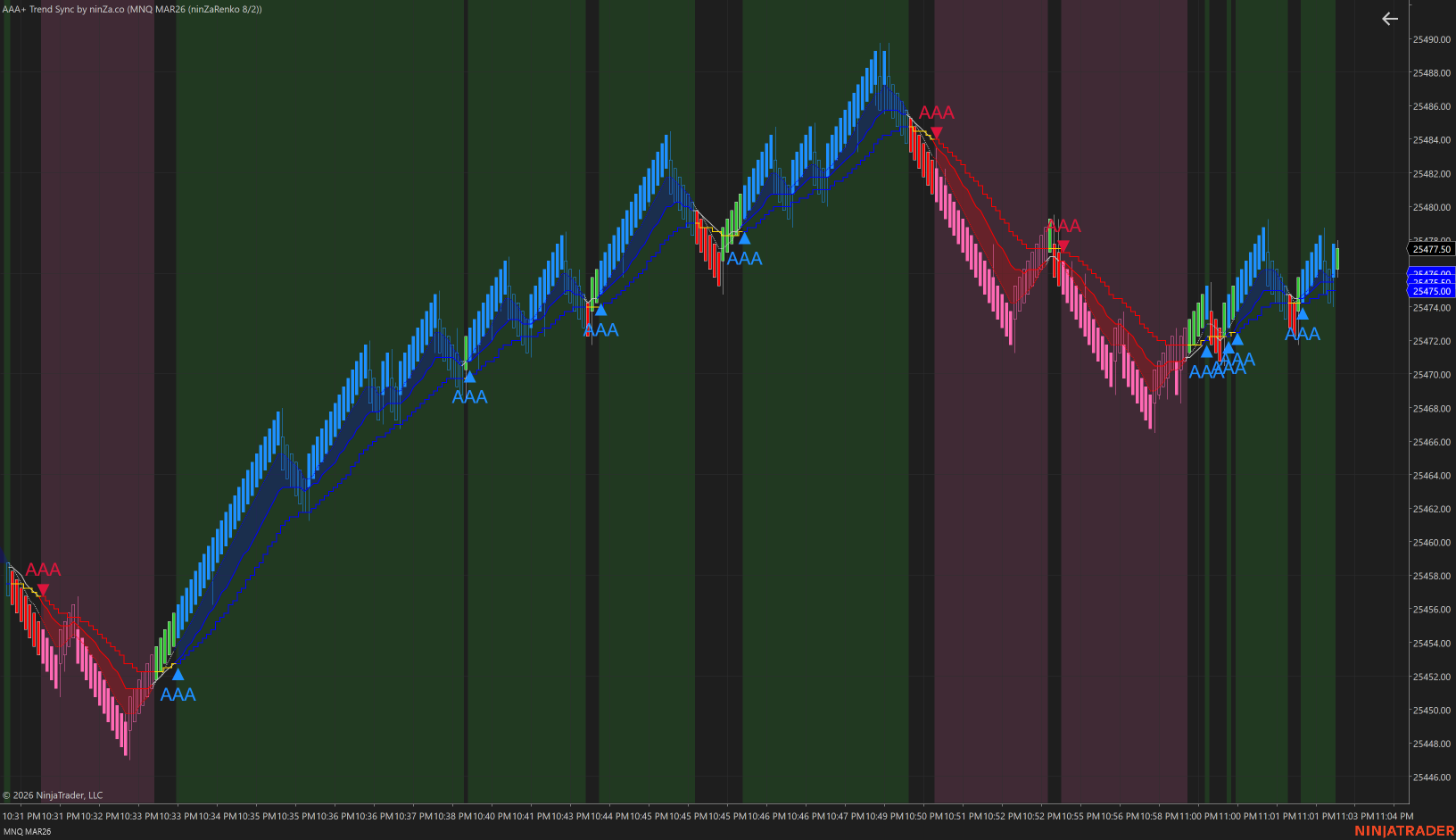
COSmik? If it is indeed the Cosmik you mentioned then it actually works with everything, even after replacing all types of resource files. I guess, in the end, gotta pick which we want most and if they work with a certain resources file, then cool. Accept the fact that the rest of other indies would now be gone or disabled.
-
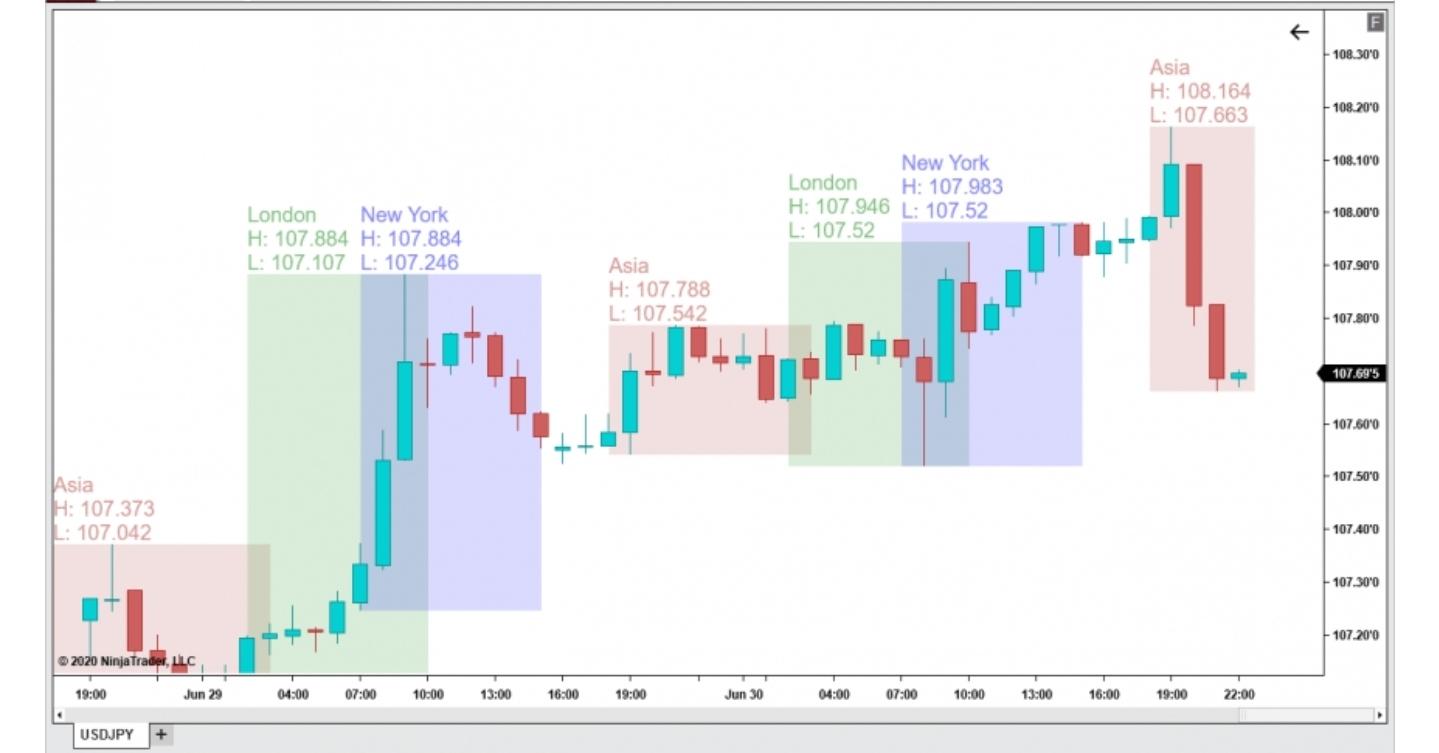
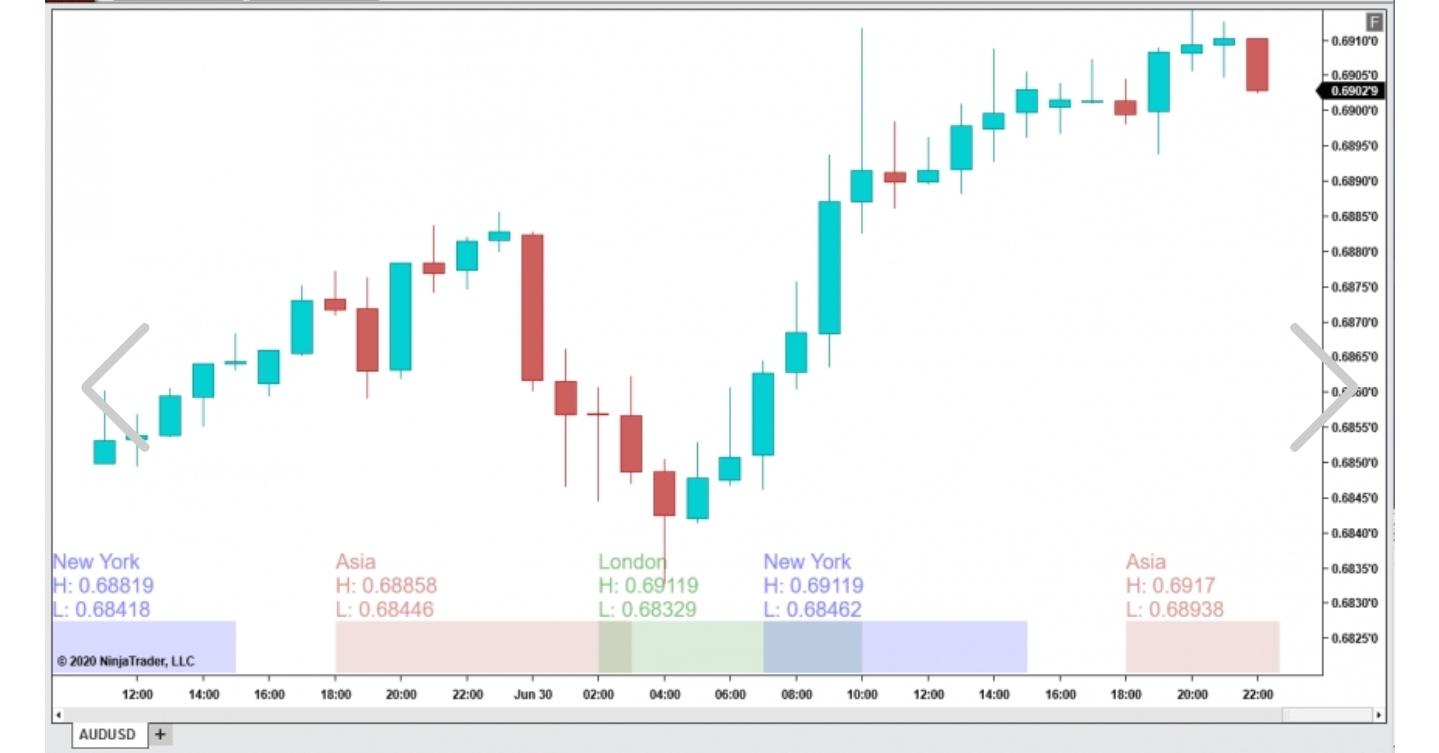
You can use this one too. It is free at their website. Able to have high and low price for each market session or, just have it on bottom of chart as a ribbon. https://chartdynamix.com/downloads/session-hours-nt8/
-
Any one interested in discuss / learn to crack
Ninja_On_The_Roof replied to ⭐ SignalTime's topic in Ninja Trader 8
Totally agreed. If it is for a hobby to pass time by when you have nothing else to pluck your brains out, then by all means, go for it. -
Pls Recommend me a Futures Trading Broker :)
Ninja_On_The_Roof replied to Rimuru's topic in Ninja Trader 8
Hello, I do not use edu NT for my trading activities so I cant say much regarding this part. For me, personally, when I know I put my hard earned money on the line each single day, so I do desire to use an official and legit platform from NT. I want the very best of it when it comes to this issue. Still, I know many here have been using the edu NT for quite sometimes and they are alright. As fas as for future brokers that use NT, there are a few left in town. Well, Ninjatrader is one of them first. Then there are AMP Futures, Optimus Futures, Interactive Brokers, TD Ameritrade and Tradovate... When you pick and choose your broker, always wanna take a good look at their services, how long have they been in the business. You certainly dont want to end up with one that flies by the night or goes bankrupt down the road. How is the customer service? Do they have a dedicated phone line to answer all of your needs and questions and concerns? Do they have a chat function on top of the phone line? Then comes the fees. Cant stick with a broker that charges you up the zing zang for everything that you do. Ask questions. See how much they charge you to get in a trade and to get out, roundtrip, for different types of instruments you wanna trade. How much is their margin? Obviously, this can fluctuate due to market conditions or between day and night or after trading hours. But you gotta know and understand this margin part well or else you will end up in big trouble. Then, there are some brokers that require a minimum amount of deposit. Such as IB broker but I believe they have the best discounts of all, last time I looked. Then, how is their process of depositing and withdrawal of money? How fast? Remember, money aint yours until it is in your pocket. You do not want to be with a broker that takes a week or 2 or more to send you your earnings. You want it now. You want it fast. Lastly, hope that ot would never happen to you or any of us traders. You always want to have their dedicated phone numbers stuck to your monitor or somewhere near by. In the events of you losing electrical power, earthquakes, disasters, wars...and you cant have access to your trading account to exit or to close out your trades, that would be painful. So yes, another side note, always have a stoploss. PS: I have been with NT for may years without any issues. You can start trading with them with just $500. Their withdrawal process is fast. It usually takes 1 day and I see my money in my checking account. Faster if you request from their customer portal online via Wire instead of ACH method. You can too, negotiate with them if you trade quite a whole lots of cars each day, to get better discount on commissions. I also have a lifetime NT platform that I purchased many years back. This also gives you some discounts on commissions. They recently changed a bit. The live data is included and you also can use TradingView through NT. -
https://workupload.com/file/un8LEbRyLk5
-
Thank you@Alln. I think most files work with fixed NT8.
-
Thank you@fxtrader99. But I am using the official NT8.
-
They are all in N9T's indi package that he already posted. I was just playing around with some of the common ones. I think the ones folks want most are the JumpBoost, the HelloWin Captain Optimus, the Volume Tank, the Breakout Hunter and of course, the VWAP Flux. Will see which files would open these up.
-
I tried some just for the heck of it. Not yet complete the whole batch to see which needs what to pop up on chart. These are the ones I dont think they need anything complicated, as far as for the resource files. So far, for now.
-
Did you manage to get this one working?🤗
-
https://workupload.com/file/LHgK84fMVwW
-
Here's the Netpicks. Do follow instructions for installing. https://limewire.com/d/89ide#tzHXrI2Rg8
-
Obsidian_IndicatorSuite_2.0.2_MultiPC.rarObsidian_IndicatorSuite_2.0.2_MultiPC.rarObsidian_IndicatorSuite_2.0.2_MultiPC.rarObsidian_IndicatorSuite_2.0.2_MultiPC.rarObsidian_IndicatorSuite_2.0.2_MultiPC.rarObsidian_IndicatorSuite_2.0.2_MultiPC.rar Obsidian_ADDTS_V1.2.zip Obsidian_OrenkoPack_V1.0.zip Obsidian_IndicatorSuite_2.0.2_MultiPC.rar
-
The "issue" with TWST stuff is that it comes with a long list, hundreds of different strategies to choose from and hundreds of templates, provided in the trading room. You shall get overwhelmed wit it, not knowing which best strategies or templates to use.
-
I have the Atlas Line somewhere in my USBstick. It is an open source so one can change and tweak it to his/her likings. Gotta look for it.
-
Ui ui...another TWST one! Anyone in here actually had success with all TWST previous trading software?
-
Road map and Scalper were already educated and posted somewhere in the forum. Check here. Courtesy@apmoo.
-
I suspect, the Scalper is nothing more than just support/resistance break. Look left. When price breaks support or resistance level, it fires a signal.
-
Yeah. We already have pretty much everything, the Atlas Line, the ATO, the Scalper, the Roadmap, the ABC. Just these two, the Pilot and Sonic. As for the Scalper. I prefer version 3 over 4. With version 3, you have the options in settings to enable the "line" where you can see or anticipate the price break. Version 4 does not have this.
-
This has been posted before and yes, same isues. The lower chart doesnt show up and not matching.
-
I believe this Trading123 has been educated and posted somewhere here. I have used it for sometimes then finally stopped. Not that impressive in my view. Just need to watch all his videos on YouTube to find the right numbers to plug in, such as the time frames for his bar type, targets and stops and so on...