
⤴️-Paid Ad- Check advertising disclaimer here. Add your banner here.🔥
All Activity
- Past hour
-
@redux
-
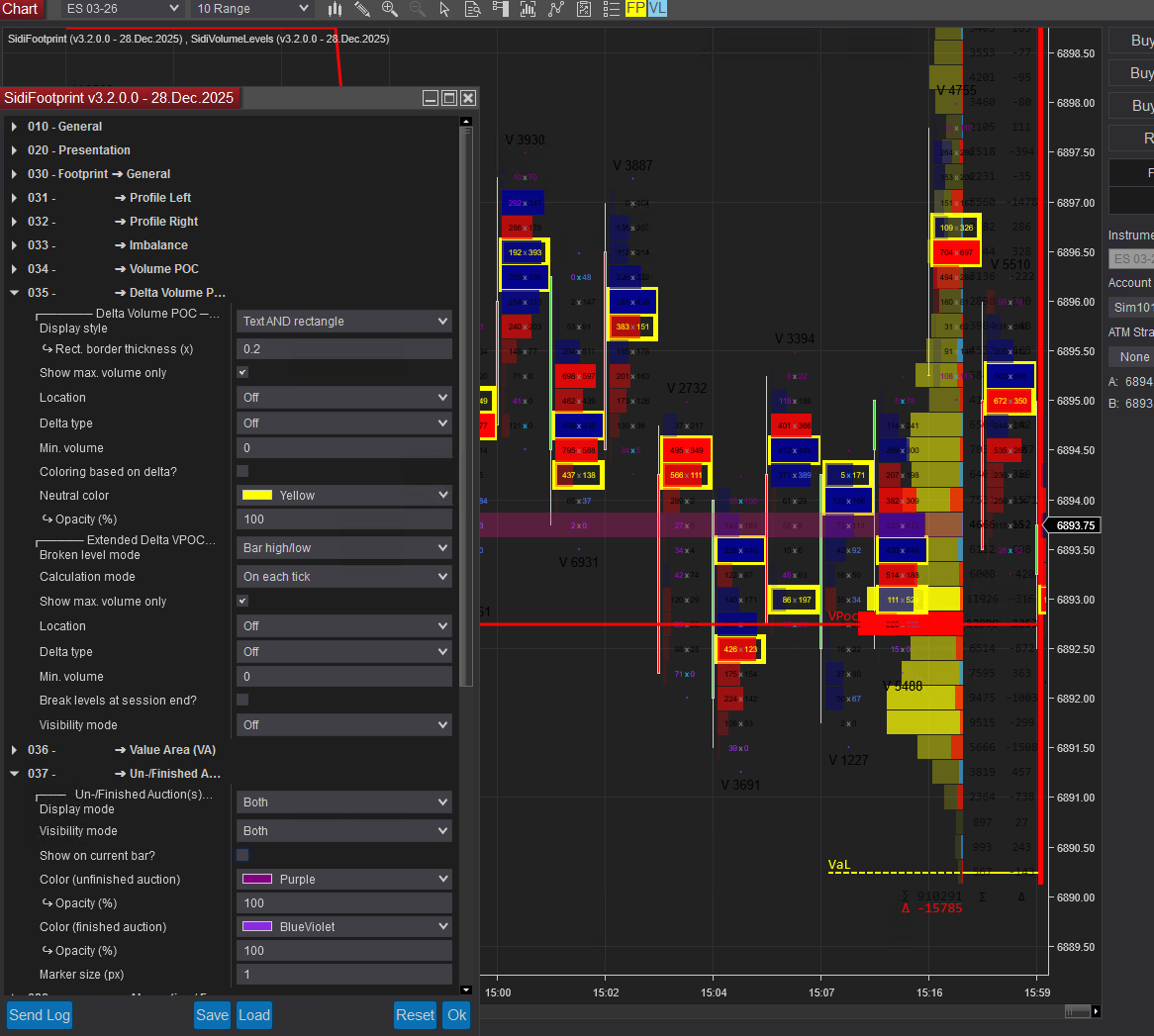
Ok it gives this four errors like that

-
The FP, levels, and level2 should work with the zip I posted. I basically just removed all other Sidi references from the bin folder and kept the other 3rd party deps from the zip you just posted. I'll try with a fresh NT instance later and see if I missed something though.
-
please @redux
-
https://workupload.com/archive/7kLjKyAHuV @reduxI hope these additional files allow you to educate the footprint
-
I managed to find a workaround for this. I just need to copy only the DLL files (not the cs files) in the bin/custom folder. Compile once in Ninjascript editor and the indicators are available.
-
Happy New Year 2026. @redux when time permits, please take a look at this indicator. Thank you.
-
 N9T reacted to a post in a topic:
LQ logic indicator to educate
N9T reacted to a post in a topic:
LQ logic indicator to educate
-
Welcome to Indo-Investasi.com. Please feel free to browse around and get to know the others. If you have any questions please don't hesitate to ask.
-
Thanks for pointing this out. Sometimes, I forget to try that method and it does work after copying the files directly to bin/custom folder. Thanks a lot. I will try with other packages where I got the same error.
- Today
-
N9T reacted to a post in a topic:
Ninza Unlucker needs to educate. With these resources, we can trade using all the indicators without any problem.
-
N9T reacted to a post in a topic:
Ninza Unlucker needs to educate. With these resources, we can trade using all the indicators without any problem.
-
I usually get that error when I try to import the zip file instead of just copying the dll file directly into bin/custom. I assume you've tried both methods.
-
wertamido reacted to a post in a topic:
NinZaMultiTimeframeFusion Needs EDU
-

TDU footprint v.2.0.14 zip + Big trades v1.0.0.9 - new features
wertamido replied to sarutobi's topic in Ninja Trader 8
I already shared and work perfectly -
alodante reacted to a post in a topic:
Ninzaco Infinity Algo Engine$
-
wertamido reacted to a post in a topic:
Ninza Unlucker needs to educate. With these resources, we can trade using all the indicators without any problem.
-
Definitely big thx to our EDU
-
SAME ISSUE
-
wertamido reacted to a post in a topic:
LQ logic indicator to educate
-
⭐ ajeet reacted to a post in a topic:
Amiquote 4.19 c*****d by me.
-
⭐ ajeet reacted to a post in a topic:
LQ logic indicator to educate
-

Larry Williams Market Forecast 2026
dzihan replied to taxfreelt's topic in General Discussions and Lounge
Same here, up to $20 I'm in -
dzihan joined the community
-
Unfortunately, same error on edu NT 8.1.5.2 saying it is not compatible due to lower version used by the add-on.
-
 Working on it .. its protected like the s*** not orginal files.. but i got the source code
 -

TDU footprint v.2.0.14 zip + Big trades v1.0.0.9 - new features
chillon replied to sarutobi's topic in Ninja Trader 8
up. Happy New Year!! -
I remember the fix wasn't in the license manager .. but can try ..
-

Larry Williams Market Forecast 2026
indubioustraveler replied to taxfreelt's topic in General Discussions and Lounge
count me in as interested. +1 -
indubioustraveler joined the community
-
@reduxi try but error ,the whole system works with the license manager. If you manage to get the manager system working, everything will work normally @kimsamHas educated to make the educated Heikin Ashi and the interval levels using the License Manager. I’m sending this to you so you can check it. The password of licence manager is 1234 https://workupload.com/archive/gfPSWcTqYm I think you can do it using the License Manager without any errors. Happy New Year, and sorry for the inconvenience.With this, you can successfully make the SIDI Footprint; that’s the most important part.
-
 I think people should be thankful to our educators who are doing for free and are handling so many requests. They also need to sleep and do other stuffs
 -
Happy new year to all, have a blessed and fund filled year.🫣

.jpg.4466ffe1ee1753074d3914b193eb7582.jpg)